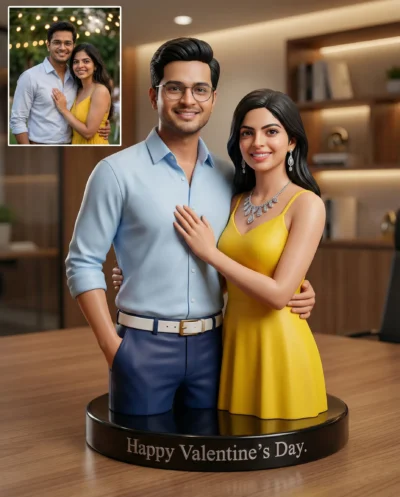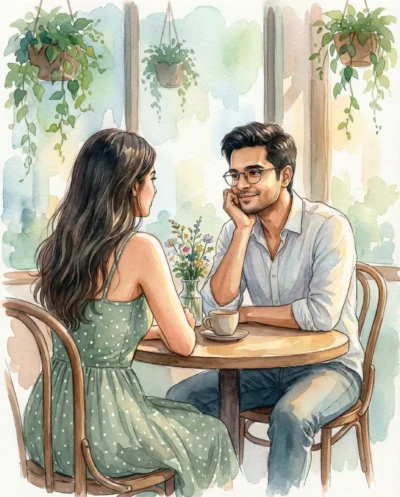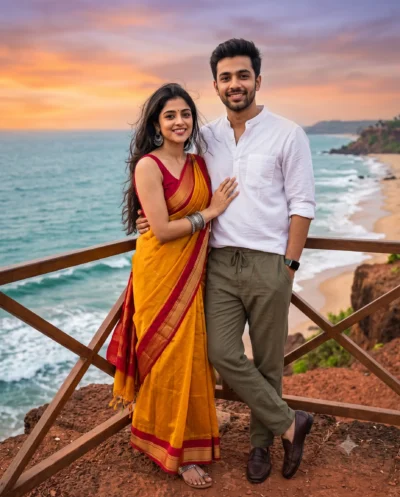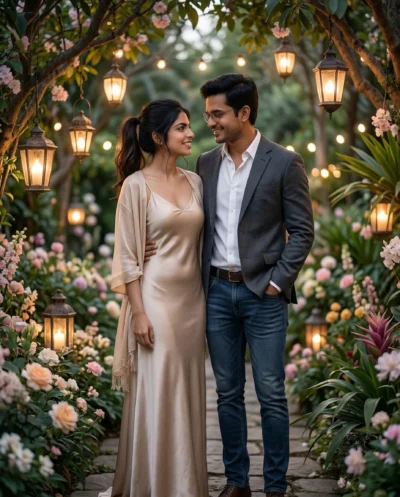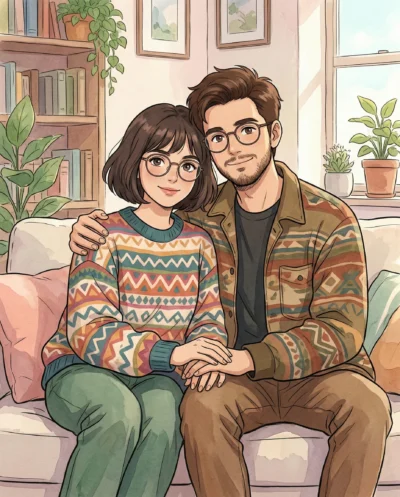
Description
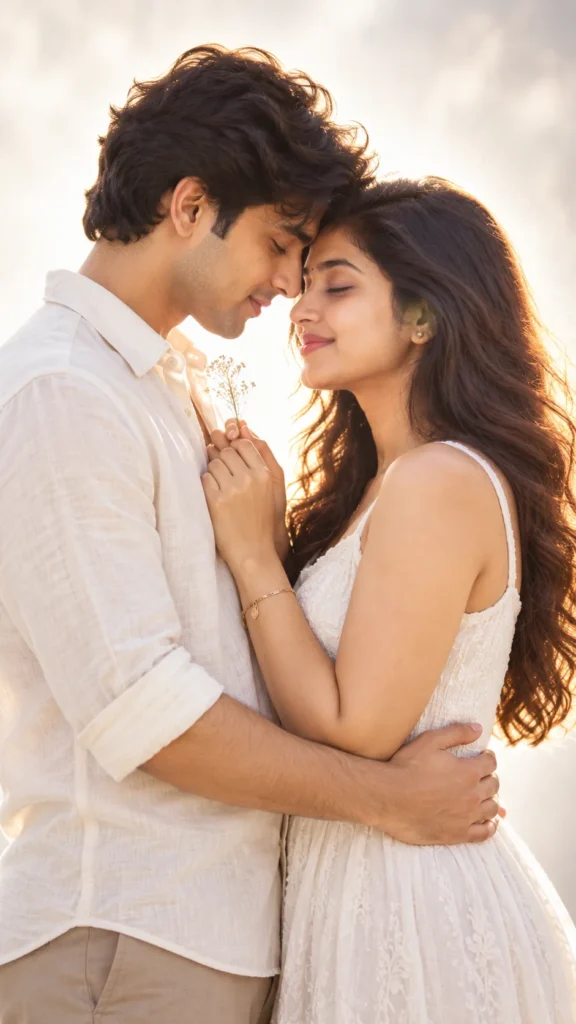
This diffused backlighting prompt creates an intimate studio portrait filled with soft, luminous highlights. It preserves both subjects’ facial features and natural proportions directly from your reference photo. The prompt balances high-key back illumination with subtle front fill, blending both individuals smoothly into the scene instead of pasting flat faces. You get an authentic couple portrait with lifelike skin tones and emotional warmth.
The visual appeal comes from a large diffusion screen behind the couple that wraps them in a soft halo of light. A gentle front bounce softly brightens their peaceful expressions without flattening contrast. Seamless white and pale grey tones keep the background distraction-free so attention stays on the connection. The 50mm lens produces a gentle background blur that makes silhouettes pop with clean edges.
You can easily tweak a few words in the prompt to match your personal aesthetic:
- Wardrobe Style: Swap “relaxed-fit ivory linen button-down shirt” with “charcoal knit sweater” or “black crewneck tee” to change the clothing style.
- Botanical Accent: Replace “single slender dried botanical stem” with “small sprig of fresh eucalyptus” or “single red rose stem” to change the handheld prop.
- Camera Distance: Change “tender, close medium shot” to “intimate close-up profile portrait” or “waist-up vertical framing” to adjust your composition.
For best results, upload a well-lit photo where both faces are clear and evenly illuminated by natural daylight. Avoid images with harsh overhead shadows, dark sunglasses, or heavy beauty filters that hide skin texture. Copy this diffused backlighting prompt below, paste it into your favorite image tool alongside your photo, and see your new portrait come together.
Copy This Diffused Backlighting Prompt
A tender, close medium shot of the couple from the reference photo, facing each other in profile with foreheads gently resting together and eyes closed in quiet affection. Preserve both subjects’ exact faces and body proportions. His hands gently cup her waist, while her hands rest lightly on the lapels of his shirt; together their intertwined fingers loosely hold a single slender dried botanical stem. He wears a relaxed-fit ivory linen button-down shirt with cuffs rolled to the mid-forearm and sand-toned trousers. She wears a flowing sleeveless white textured cotton dress with subtle tonal embroidery, her hair falling softly over her shoulders. Ethereal, high-key backlighting through a massive translucent diffusion scrim creates a luminous halo around their silhouettes and hair, balanced by a gentle frontal white bounce card that softly reveals their peaceful facial features. Abstract, seamless glowing white-to-light-grey gradient backdrop with soft atmospheric haze, completely non-descript and free of any physical setting. 50mm lens at f/1.8, creamy focus falloff, glowing highlight roll-off, natural skin texture. Aspect ratio 9:16.
How to Use This Prompt:
- Upload Your Reference Image: First, upload the photo of the person. By doing so, you allow this prompt to strongly preserve the facial structure, proportions, and hairstyle from your reference image.
- Copy & Paste the Prompt: Once you have attached the image, paste the full prompt text into the ChatGPT message box. Then, hit enter to generate your scene.