Description
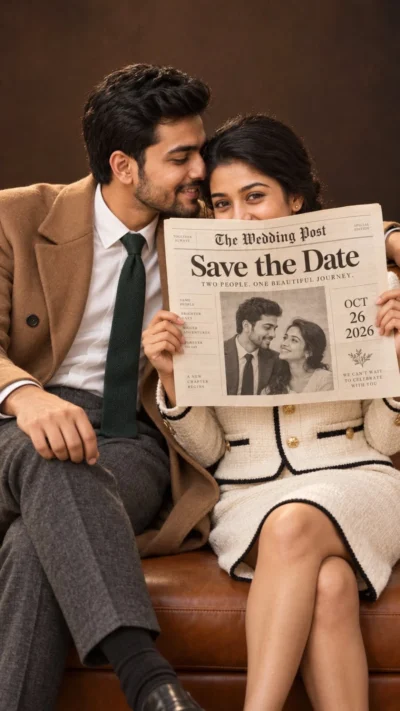
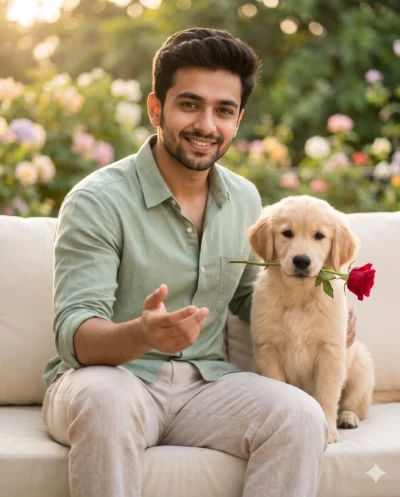
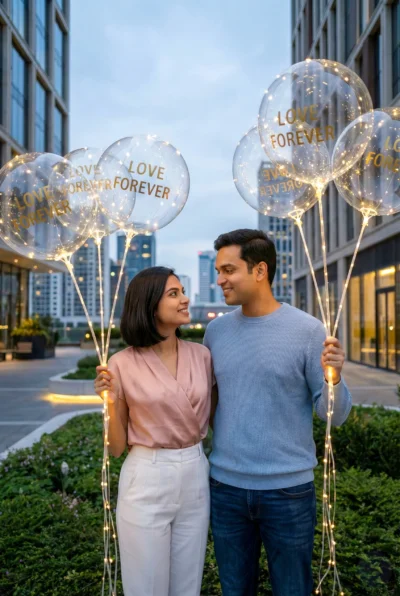
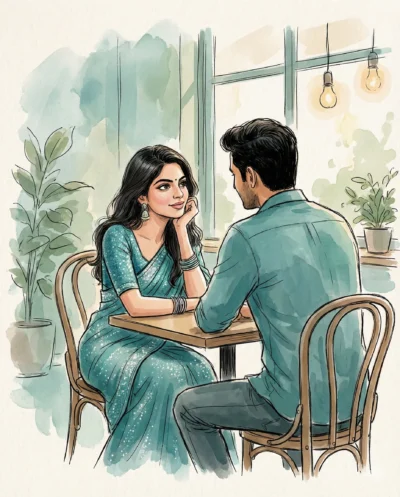
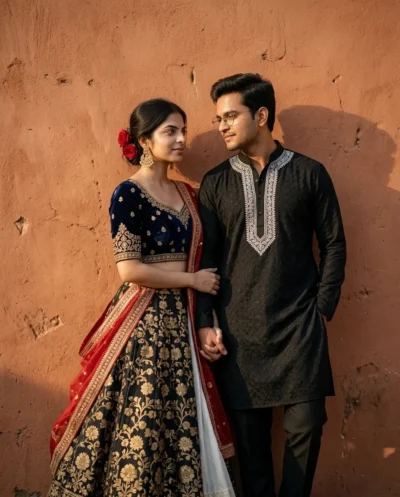
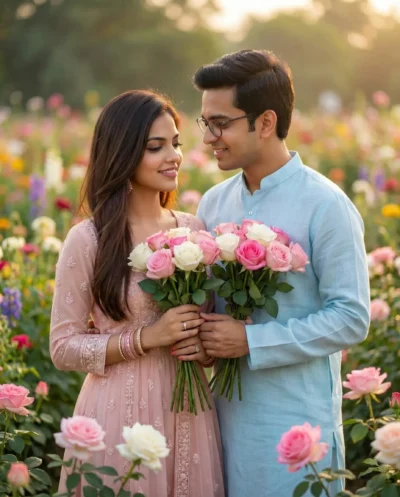
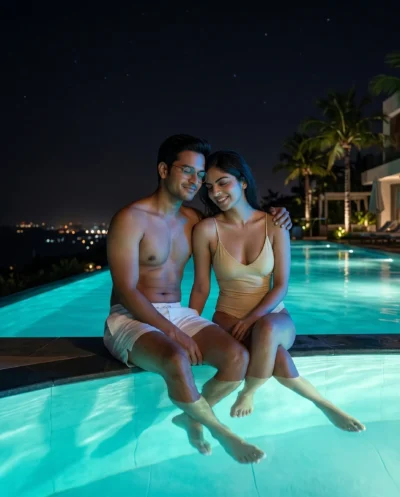
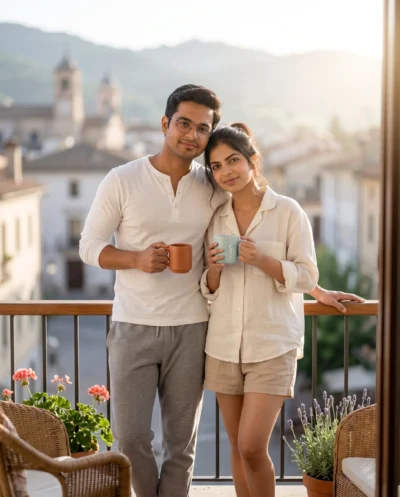
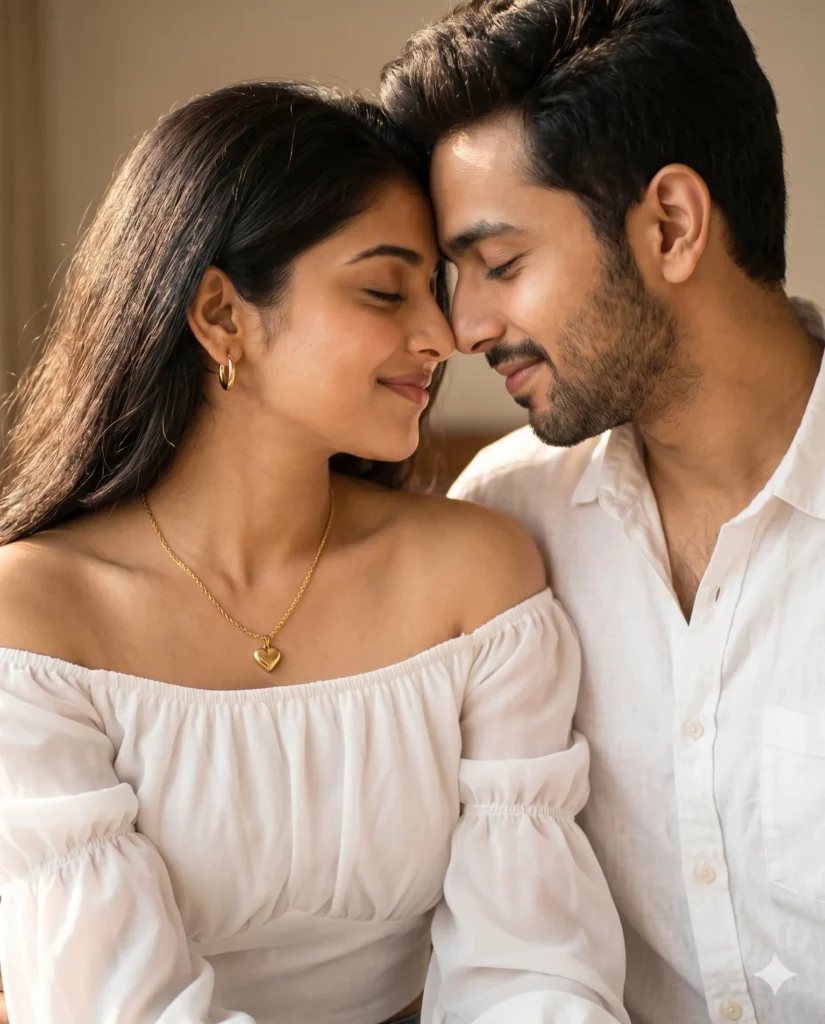
This couple dp prompt generates a deeply intimate, candid photograph of two partners sharing a quiet moment. You can easily create a professional-grade portrait that captures real, authentic emotion. The result looks completely natural and effortless.
The mood is warm, peaceful, and wonderfully serene. Gentle morning sunlight streams across the scene, casting a soft golden glow on both faces. The background melts away into a smooth, creamy blur so the focus stays entirely on the subjects. Simple styling details like a crisp white linen shirt, an off-the-shoulder chiffon blouse, and delicate gold jewelry add a clean, timeless touch to the picture.
- Matching WhatsApp or Telegram Profile Pictures: A warm, coordinated display picture set for both partners.
- Instagram Anniversary Post Visual: A clean, high-end lifestyle image to celebrate a relationship milestone.
- Digital Wedding Invitation Header: A soft, romantic background photo for an online RSVP page or digital card.
This aesthetic gives you the warmth of a real memory captured on a calm weekend morning. Copy the prompt below and upload your favorite reference photos to bring this romantic scene to life.
Couple DP Prompt: Romantic Morning Light Portrait
A close, candid portrait of a young couple lost in a shared moment, both leaning in towards each other until their foreheads gently touch. Use the attached reference photos for facial identity and preserve facial structure and proportions. She is wearing a white off-the-shoulder chiffon blouse with elasticated puffed sleeves, a thin gold cable chain with a heart pendant, and small sleek gold hoops. He wears a coordinated white linen button-down shirt. They both have gentle, genuine smiles and closed eyes, radiating a sense of peace. The light is soft morning sunlight filtering in from one side, creating a warm, golden glow on their faces. Shot as a close-up with a shallow depth of field, the background is a soft blur of warm neutral tones. 4:5 aspect ratio.
How to Use This Prompt:
- Upload Your Reference Image: First, upload the photo of the couple. By doing so, you allow this prompt to strongly preserve the facial structure, proportions, and hairstyle from your reference image.
- Copy & Paste the Prompt: Once you have attached the image, paste the full prompt text into the Gemini message box. Then, hit enter to generate your scene.