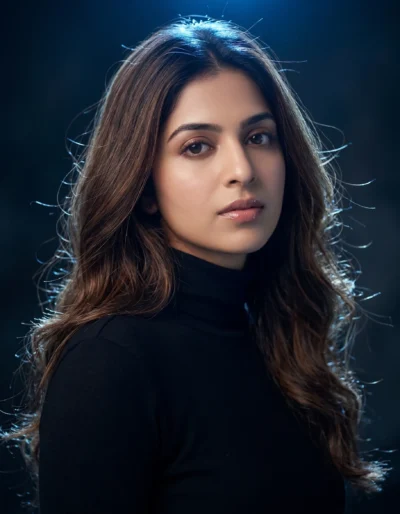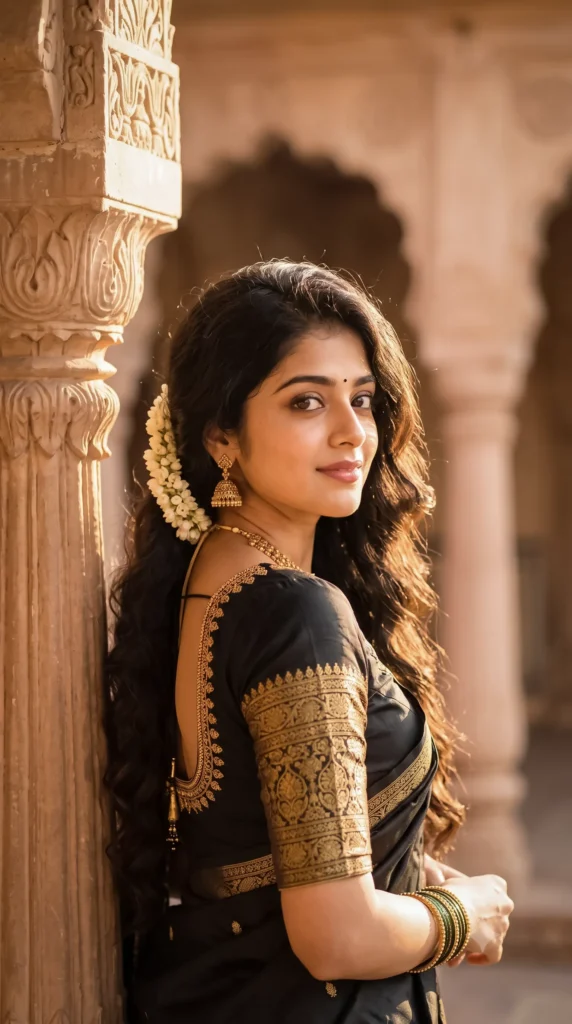
Description
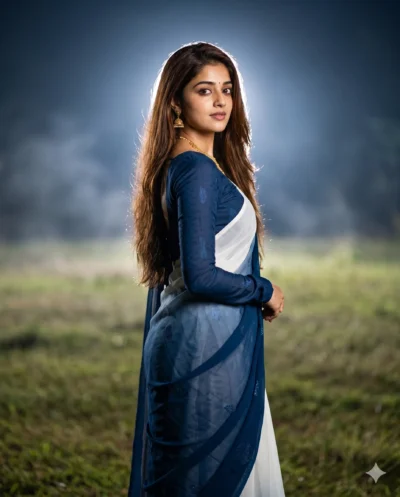
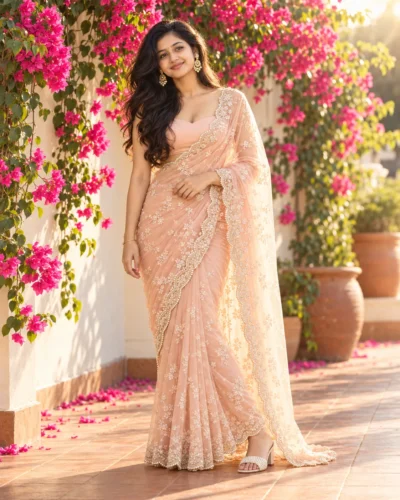
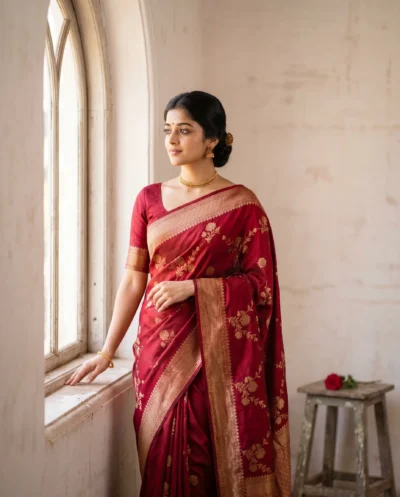
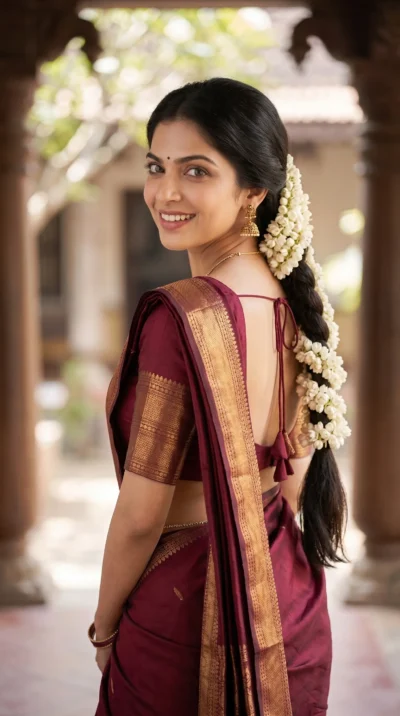
You can easily create a breathtaking heritage portrait using this Gemini black saree prompt. This prompt places your subject in a grand stone palace courtyard. The final image captures a graceful over-the-shoulder pose that looks highly professional. You get a regal result with minimal effort.
The scene glows with warm evening sunlight. As a result, this soft lighting highlights the rich gold embroidery on the black silk blouse. Meanwhile, the background softens into a beautiful, dreamy blur of arched stone columns. Ultimately, your portrait will feel elegant, luminous, and timeless.
- Personal branding profile picture for Instagram.
- High-end editorial cover for a digital fashion magazine.
- Elegant cultural event invitation for a wedding or gala.
This classic aesthetic brings out a sophisticated and cinematic quality in any reference photo. Copy the prompt below and paste it into Gemini with your favorite portrait to see the magic happen.
Gemini Prompt: Golden Hour Black Saree Portrait
An elegant, cinematic fine-art portrait utilizing a reflective over-the-shoulder composition. Use the attached reference photo for facial identity and preserve facial structure and proportions. A young South Asian woman is captured leaning gracefully against a carved sandstone pillar in a grand heritage palace courtyard. She glances back with a warm, regal expression, her face lit by radiant golden-hour sunlight. Her long, dark hair is styled in soft, voluminous waves that frame her face, elegantly adorned with a delicate jasmine flower gajra. She wears a traditional saree blouse of rich black silk with heavy gold zari embroidery. The scene is enveloped in a serene, luminous atmosphere with warm sunlight creating dreamy bokeh among the distant arched columns of the palace. Shot on 85mm lens. Aspect ratio 9:16.
How to Use This Prompt:
- Upload Your Reference Image: First, upload the photo of the person. By doing so, you allow this prompt to strongly preserve the facial structure, proportions, and hairstyle from your reference image.
- Copy & Paste the Prompt: Once you have attached the image, paste the full prompt text into the Gemini message box. Then, hit enter to generate your scene.