Description
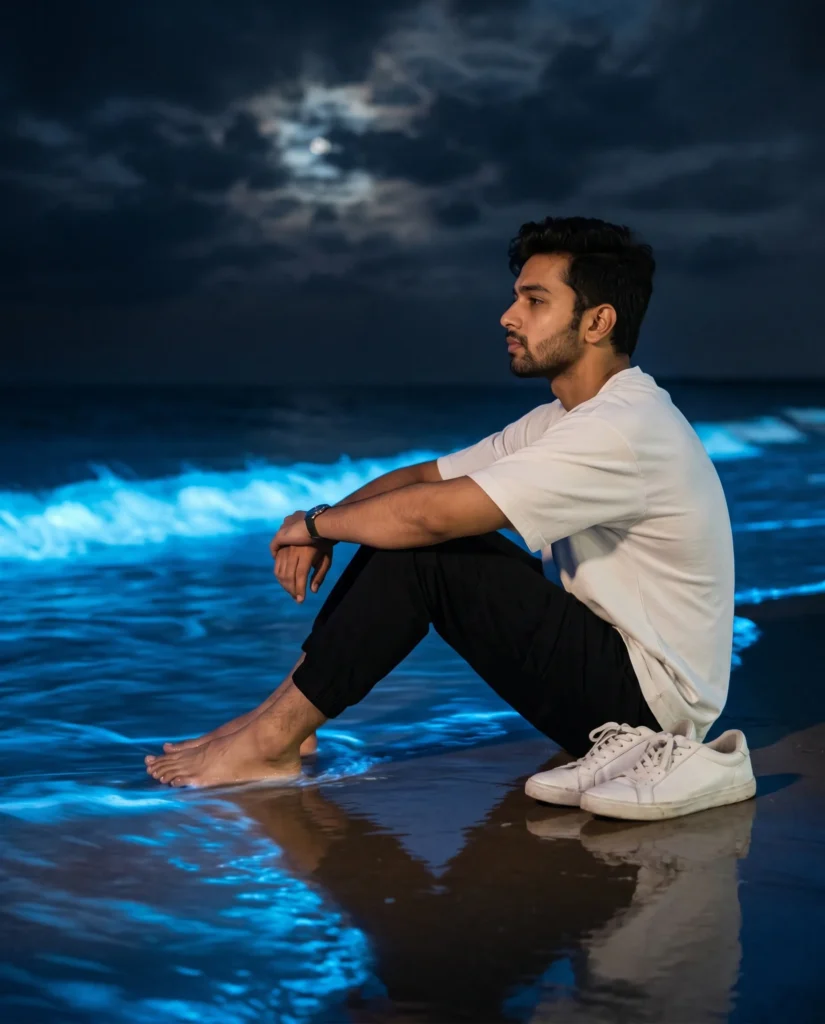
This glowing beach portrait prompt captures a quiet, contemplative moment of a young man sitting alone near the shoreline at night. His expression feels distant and thoughtful. At the same time, the pose is still, but it carries a strong inner story.
The image uses an ultra-realistic style with high detail and soft cinematic contrast. His skin texture looks natural, while his hair falls in relaxed, well-groomed waves. The plain white oversized t-shirt and black joggers keep the look simple. That simplicity makes the mood feel stronger. Furthermore, the wet sand reflects the light beautifully, which adds depth and a subtle mirror effect.
Blue bioluminescent waves glow around his feet, casting a dreamlike neon light across the shoreline. Cinematic low-light atmosphere with high contrast between the neon blue ocean glow and the deep dark surroundings. Above, faint moonlight breaks through dark clouds, creating an emotional tension between warm and cool tones. A long-exposure water effect softens the waves into a silky, cinematic flow, while an 85mm lens look and shallow depth of field isolate the subject to make the background feel intimate.
This image works well for four clear uses. It can support luxury fashion campaigns that need mood and elegance. It can also enhance music artwork or album covers with a reflective, late-night feeling. Additionally, it is useful for editorial storytelling, especially when a brand wants solitude, style, and atmosphere in one frame. Finally, the image fits social media posts, mood boards, and hero banners that need a striking visual with emotional depth.
Gemini Prompt: Glowing Beach Portrait
Generate an ultra-realistic cinematic night beach portrait of a handsome young man with wavy well-groomed hair sitting alone near the shoreline in a clean side profile composition. Use the attached reference photo for facial identity and preserve exact proportions. He sits quietly with his gaze distant and contemplative, a quiet melancholy in his expression as he looks toward the dark horizon. He wears a plain white oversized t-shirt and black jogger pants, barefoot on the wet sand with white sneakers placed casually beside him. Glowing bioluminescent blue waves lap softly around his feet, casting a dreamlike neon blue light across the wet reflective sand. Soft blue and white reflections ripple across the shoreline beneath him. The sky above is dark and dramatic with heavy textured clouds partially revealing a dim moonlight glow. Long exposure water effect creates soft silky movement in the waves around him. Cinematic low-light atmosphere with high contrast between the neon blue ocean glow and the deep dark surroundings. Warm and cool light contrast creates depth and emotional tension throughout the scene. Moody, dreamy, and emotionally atmospheric with a quiet sense of solitude. Shot on an 85mm lens, shallow depth of field, realistic skin texture, soft reflections on wet sand, ultra-detailed, high resolution, aspect ratio 4:5.
Bringing Your Subject to the Shoreline
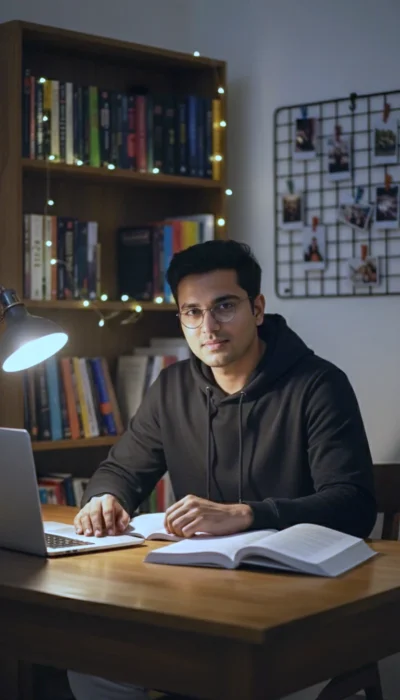
This glowing beach portrait relies on a strong reference photo to anchor the mood. The text prompt completely handles the complex lighting, the neon blue water, and the dark atmospheric sky. Your only task is to provide the face. The sharp contrast between the cool bioluminescence and the dark surroundings will automatically frame your subject beautifully. Follow the steps below to seamlessly blend your chosen model into this cinematic night scene.
How to Use This Prompt:
- Upload Your Reference Image: First, upload the photo of the person. By doing so, you allow this prompt to strongly preserve the facial structure, proportions, and hairstyle from your reference image.
- Copy & Paste the Prompt: Once you have attached the image, paste the full prompt text into the Gemini message box. Then, hit enter to generate your scene.