Description
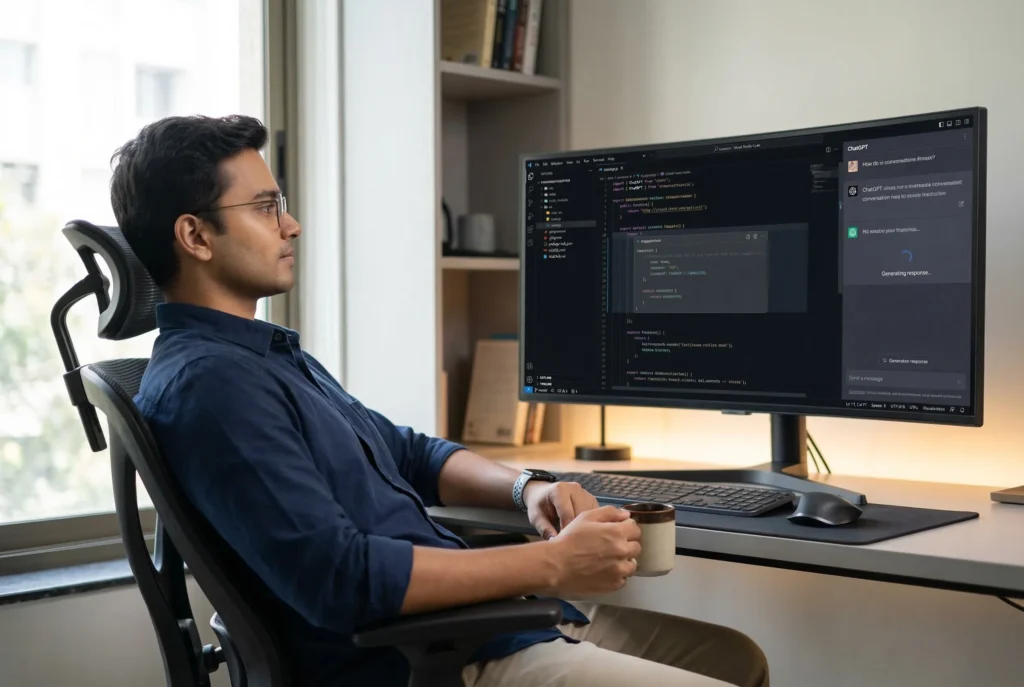
This AI coding workspace prompt creates a professional editorial photograph of a developer working side by side with an AI assistant on an ultrawide screen. The developer leans back comfortably in an ergonomic office chair at a slight 20–30 degree angle. Their shoulders rest against the chair. One arm hangs loosely on the armrest, while the other hand holds a coffee mug, adding a relaxed and human touch to the scene.
The ultrawide monitor acts as the visual anchor of the composition. The screen uses a split-view layout. Around 70 percent on the left displays a dark-themed Visual Studio Code editor filled with colorful syntax-highlighted code. The remaining 30 percent on the right shows an AI sidebar similar to a ChatGPT panel.
Inside the editor, a translucent ghost-text block represents an AI suggestion being generated in real time. In the sidebar, a visible conversation thread appears with either a “Generating response…” indicator or a freshly generated block of code. A softly glowing blue “Accept” button reinforces the idea of active collaboration between the developer and the AI assistant.
The surrounding environment is a clean, contemporary workspace. A sleek desk holds the monitor, while the keyboard sits slightly pushed back. Minimal tech decor supports a focused coding atmosphere without distracting from the subject.
Lighting plays an important role in the image. Soft natural window light illuminates the developer and desk. Warm ambient lighting adds depth and gentle contrast to the scene. The realistic glow from the monitor highlights the subject’s face and shirt, visually linking the person to the AI tools on screen.
The image uses a 35mm candid editorial framing with moderate depth of field. Both the developer and the monitor remain sharp, while the background falls into a soft blur. This creates a documentary-style look that feels modern, authentic, and trustworthy.
This image works well in several contexts. It can serve as a hero visual for blog posts, documentation, or landing pages about AI pair programming and developer productivity. It also fits SaaS dashboards, onboarding flows, or slide decks that explain AI-assisted workflows. In addition, it works well for LinkedIn articles, conference presentations, and marketing campaigns for developer tools that integrate AI into everyday coding.
Gemini Prompt – AI Coding Workspace Editorial Photograph
Create a professional editorial photograph of a human working with an AI assistant.
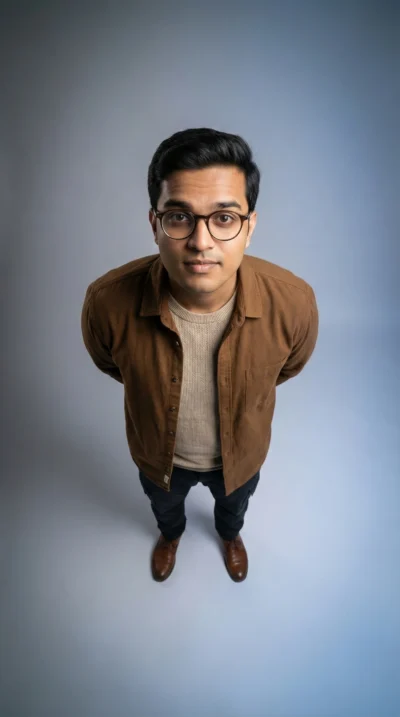
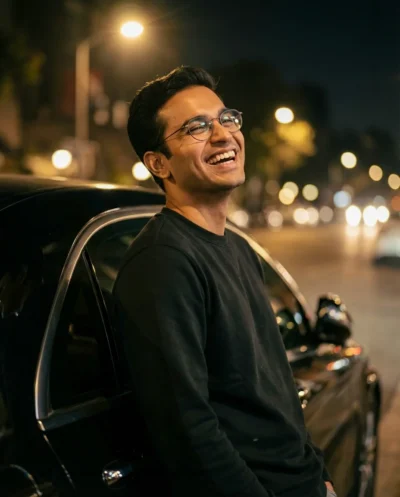
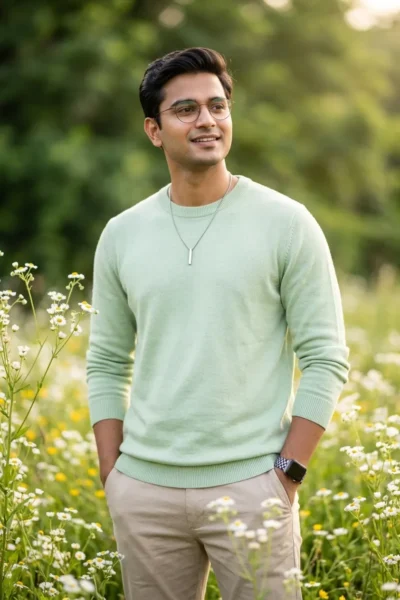
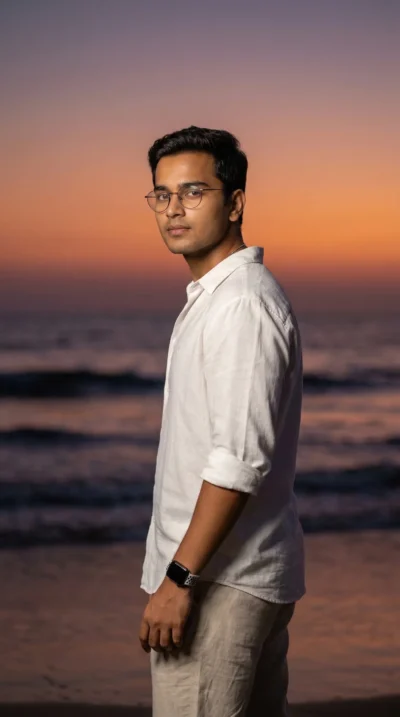
Use the attached reference photo for facial identity and preserve exact proportions.
A professional sits in an ergonomic office chair, leaning back comfortably at about a 20–30 degree angle.
Their shoulders rest against the chair back.
One arm hangs loosely on the armrest while the other hand casually holds a coffee mug.
The monitor is a large ultrawide display in a split-view layout. The left 70% shows a dark-themed Visual Studio Code editor with lines of colorful syntax-highlighted code. The right 30% features ChatGPT Sidebar.Inside the code editor, show a translucent ghost-text ghost-code block representing an active AI suggestion mid-generation. In the AI Sidebar, show a visible conversation thread with a "Generating response…" loading animation or a newly completed block of code with a distinct "Accept" button highlighted in a soft blue glow.
The monitor is slightly turned toward the viewer and displays a dark-themed code editor with AI auto-complete suggestions and a terminal output panel.
They wear a modern business-casual outfit. A fitted button-down shirt with rolled sleeves and the top button undone.
The environment is a clean contemporary workspace with a sleek desk, large monitor, keyboard pushed slightly back, and subtle tech decor.
Soft natural window light illuminates the scene. Warm ambient lighting adds depth.
Highly photorealistic. Natural skin tones. Realistic screen glow.
Shot like a candid editorial photograph. 35mm lens. Moderate depth of field. Subject and monitor in focus. Background softly blurred.
Aspect ratio 3:2.
How to Use This Prompt:
- Upload Your Reference Image: First, upload the photo of the person. By doing so, you allow this prompt to strongly preserve the facial structure, proportions, and hairstyle from your reference image.
- Copy & Paste the Prompt: Once you have attached the image, paste the full prompt text into the message box. Then, hit enter to generate your scene.