Description
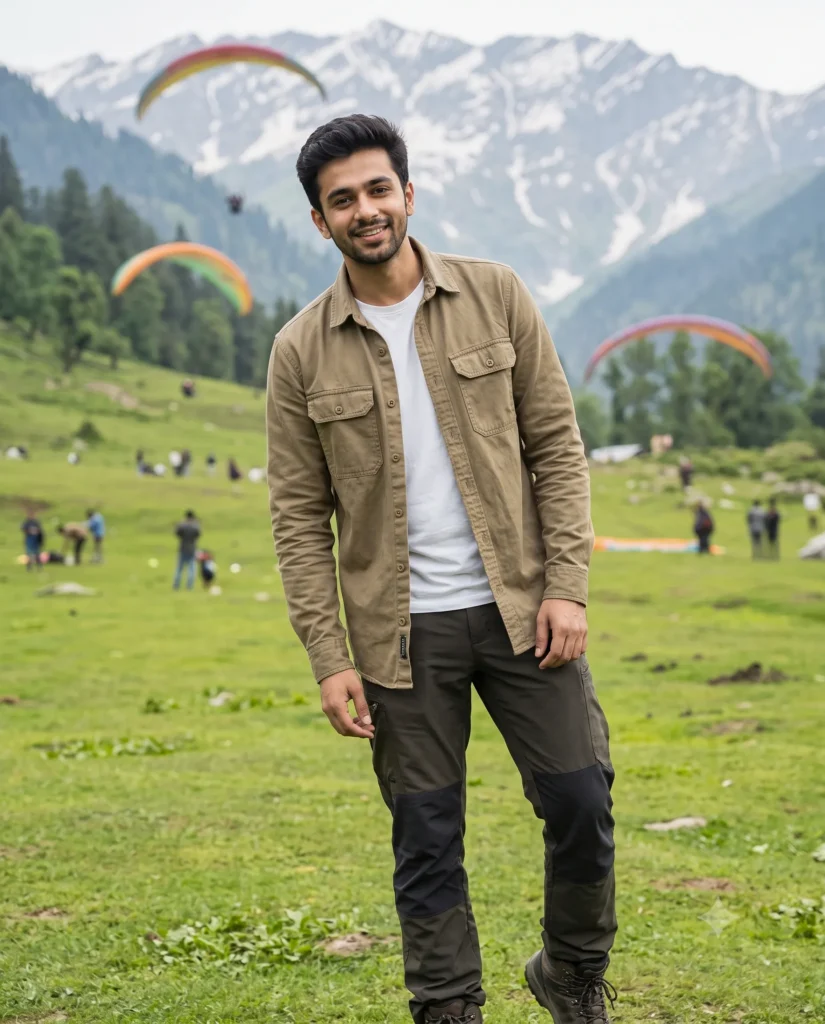
You can create a high-quality travel portrait easily with this Manali photo prompt. It generates a full-body picture of a handsome man standing in the beautiful Solang Valley. You simply upload your own face reference to get a highly personalized mountain lifestyle image in seconds.
The final image has a bright and refreshing morning atmosphere. Soft outdoor light creates a smooth and natural look across the subject without any harsh shadows. The background is filled with vibrant green grass, tall mountain peaks, and a pair of colorful paragliders floating in the sky. The subject wears a rugged khaki shirt over a white tee, which fits perfectly with the outdoor adventure theme.
- Instagram travel influencer profile pictures
- Outdoor apparel brand social media posts
- Personalized mountain vacation souvenir prints
This bright mountain setting brings a sense of adventure and confidence to your creative visual projects. Copy the prompt below and test it with your own reference images right now.
AI Photo Prompt: Manali Mountain Lifestyle Portrait
A premium travel lifestyle photograph in a wide full-body composition of a handsome man in Solang Valley, Manali. Use the attached reference photo for facial identity, strictly preserving facial structure. He has a genuine, joyful look, looking slightly off-camera with a warm subtle smile. He is dressed in a rugged khaki canvas utility field shirt over a white crewneck tee. Pose: He is leaning in slightly toward the camera with a relaxed, confident posture. Lighting: Soft, diffused morning light in open shade, creating perfectly even exposure across the subject with gentle gradient shadows. Background: Vibrant green meadows with a few distant figures, majestic Himalayan peaks, and two colorful paragliders. Shot on 85mm lens. Aspect ratio 4:5.
Time needed: 2 minutes
How to Use This Prompt:
- Upload Your Reference Image:
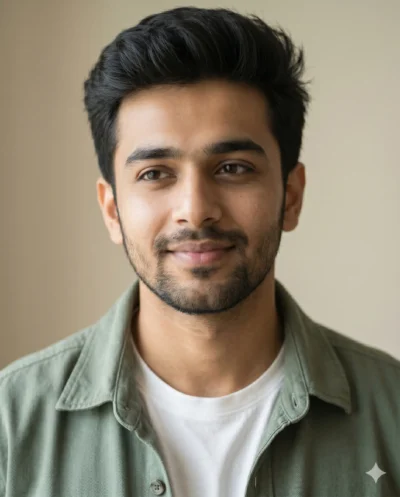
First, upload the photo of the person. By doing so, you allow this prompt to strongly preserve the facial structure, proportions, and hairstyle from your reference image.
- Copy & Paste the Prompt:
Once you have attached the image, paste the full prompt text into the Gemini message box. Then, hit enter to generate your scene.