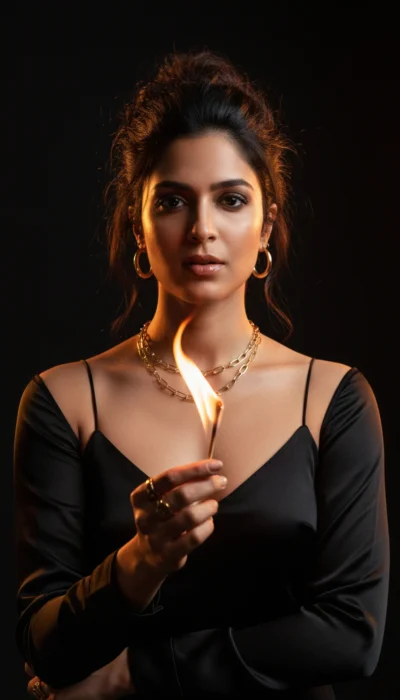
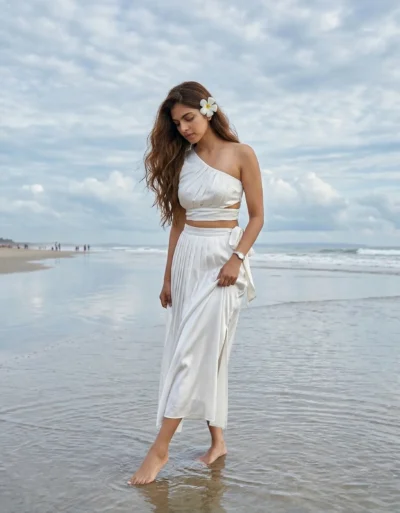
Description
This outdoor woman photo prompt produces a highly realistic, natural image using your own reference photo. You can easily maintain the exact facial features and identity of your subject while placing her in a fresh, bright garden setting.
The image features a warm and inviting daytime mood. The background gently blurs away to highlight the subject, showing lush green climbing plants and scattered pink flowers. A blue metal structure adds a subtle touch of color contrast, while the bright natural daylight gives the entire scene a cozy, lifelike glow.
This outdoor prompt is perfect for:
- Instagram lifestyle profile picture
- Spring fashion blog feature image
- Personal brand website banner
This natural outdoor aesthetic brings an approachable and warm feeling to your visual projects. Copy the prompt below to generate this vibrant photograph using your own reference images.
AI Photo Prompt: Woman with Warm Floral Background
An eye-level, medium-close-up outdoor portrait of the attached woman smiling gently. Use the uploaded reference image to maintain the exact identity, facial structure, skin tone, and features of the subject. She has medium-length dark hair parted to the side with a light pink hairclip on the right, and wears delicate pearl drop earrings. Her outfit is a white spaghetti strap top with white lace trim at the bust paired with a pleated light pink skirt. She is leaning slightly near a blue-painted metal structure. The composition is framed on the right by large, blurred foreground green leaves. The background features a soft bokeh of lush green climbing plants with scattered small pink and red flowers. Shot in warm, soft natural daylight with a sharp focus on her face and upper body, film grain, and a shallow depth of field. Aspect ratio 4:5.
How to Use This Prompt:
- Upload Your Reference Image: First, upload the photo of the person. By doing so, you allow this prompt to strongly preserve the facial structure, proportions, and hairstyle from your reference image.
- Copy & Paste the Prompt: Once you have attached the image, paste the full prompt text into the Gemini message box. Then, hit enter to generate your scene.