Description
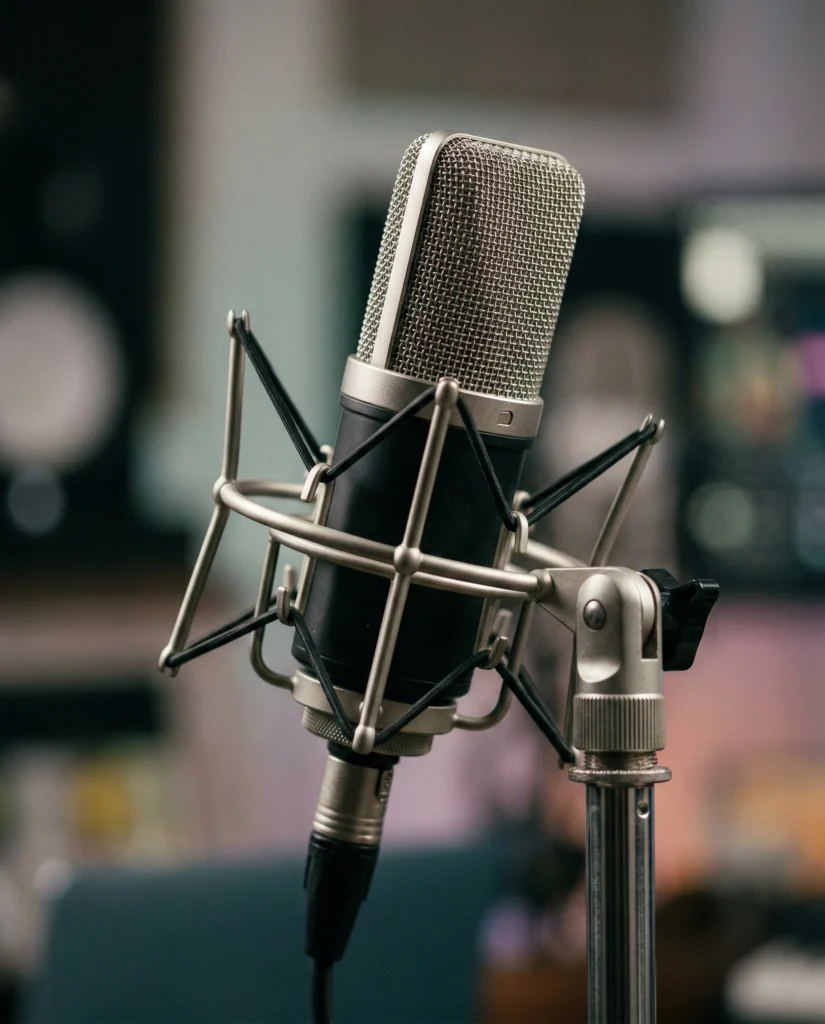
This podcast microphone close up focuses on the gear that carries every voice. The image shows a professional mic as the clear hero of the frame. You see the mesh grill, shock mount, and stand rendered in sharp detail, which gives the photo a technical yet inviting feel.
The visual style is clean and modern. Soft, focused lighting wraps gently around the microphone, bringing out the metal texture and subtle curves without harsh reflections. Highlights sit neatly on the mesh and mount, while shadows stay controlled and smooth. A blurred background adds depth but does not distract, so the viewer’s eye stays locked on the mic as the main subject.
The 4:5 aspect ratio and tight framing make the shot ideal for vertical layouts, social feeds, and cover designs. The overall look feels polished and professional, like a studio product shot made for serious creators and brands. At the same time, the soft light and shallow depth of field give it a warm, approachable mood, not a cold catalog vibe.
This image works perfectly as a hero visual for podcast websites, episode pages, or show landing screens where you want to signal quality audio at a glance. It is ideal for blog posts and tutorials about podcasting, recording setups, or audio gear, adding a clear, on-theme visual anchor. It also suits social media graphics, thumbnails, and ads for podcast launches, studio services, or audio education, helping your content instantly read as “podcast” even before someone reads the title.
Gemini Prompt – Podcast microphone close up
Create a high-quality, close-up photograph of a professional podcast microphone. The image should highlight the microphone's details, such as the mesh grill, shock mount, and stand. Use soft, focused lighting to accentuate the texture and metallic elements, with a blurred background to emphasize the mic as the main subject. The style should be clean and modern, suitable for use in podcast branding or promotional materials. Aspect ratio 4:5.
How to Use This Prompt:
- Open an AI Image Generator: Use a preferred image generator. Examples include Gemini, or DALL-E.
- Copy & Paste the Prompt: Once you have attached the image, paste the full prompt text into the message box. Then, hit enter to generate your scene.