Description
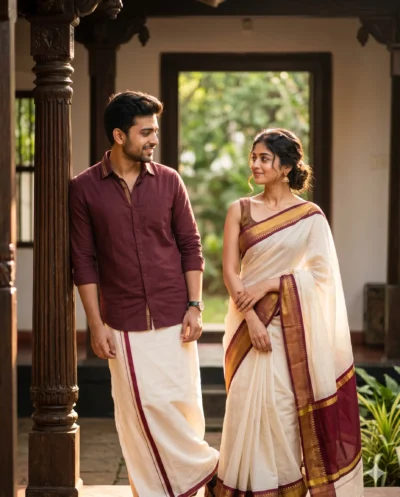
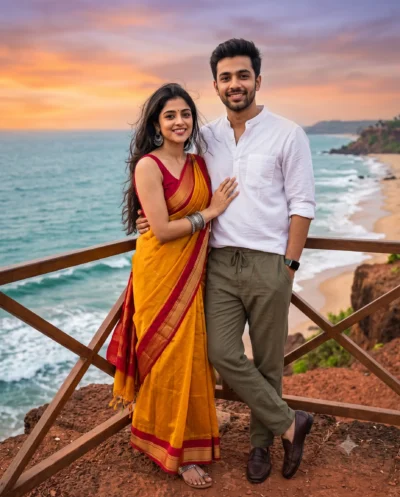
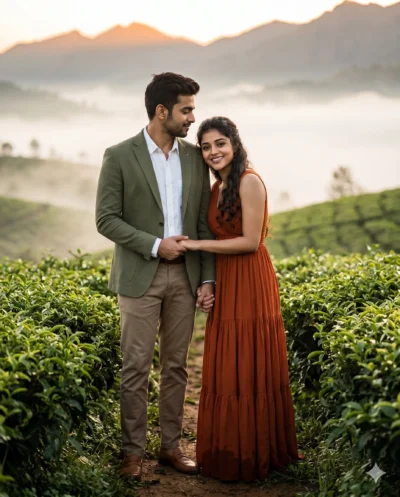
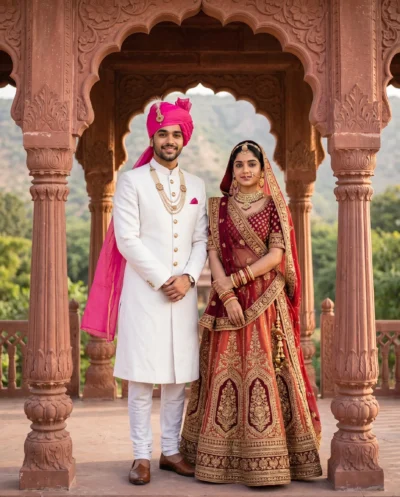
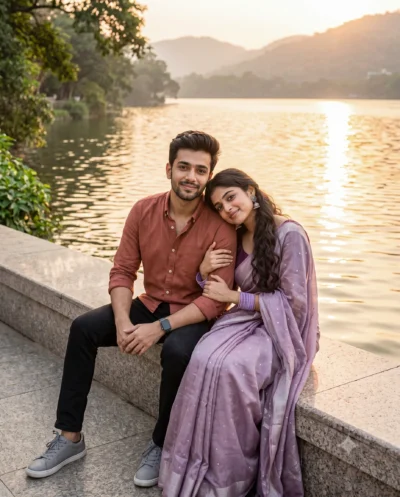
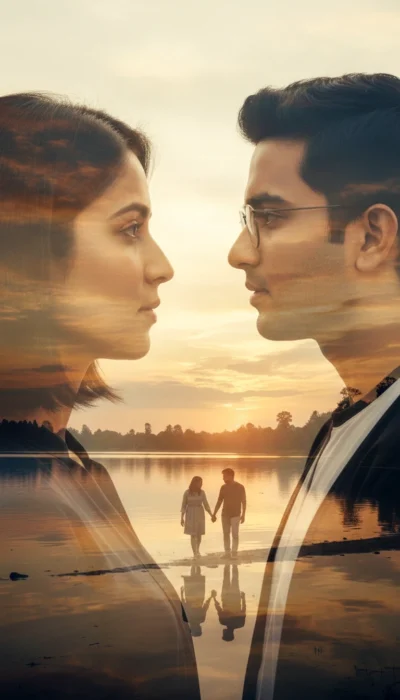
This saree and mundu couple prompt generates a photorealistic scene of a young pair walking down a lush garden path. It perfectly captures classic cultural attire in a bright, inviting outdoor setting, offering a fantastic starting point for digital creators.
The scene features a rich emerald green silk saree and a crisp cream shirt paired with a classic white wrap with gold borders. Soft, golden-hour sunlight glows through the trees to create a dreamy and romantic atmosphere. The background gracefully fades into a peaceful lake and gentle hills under a pastel sky. You will see clear, lifelike details that focus beautifully on the subjects while keeping the surrounding nature soft, serene, and perfectly balanced.
This portrait prompt is perfect for:
- Wedding photography inspiration boards
- Instagram couple celebration posts
- Cultural fashion lookbook covers
The beautiful combination of vibrant silk fabrics and warm sunset lighting gives this generated image a truly timeless, high-quality look. Copy the detailed prompt below and test it out with your own reference images to create stunning, highly customized portraits.
AI Prompt: Saree And Mundu Couple At Golden-hour
A candid full-length street photograph captures a young couple walking along a garden path at sunset. Use the attached reference photo for facial identity and preserve facial structure and proportions. The woman wears a deep emerald green silk saree with rich gold zari borders that catch the light, complemented by traditional gold jewelry, while the man wears a cream silk shirt and a white silk mundu with a matching gold border. Hazy, low-angled golden sunlight filters through broad-leaf tropical greenery, casting warm, elongated shadows along the pathway. A quiet lake reflects the warm evening sky in the background, softened into a gentle blur while keeping the couple in crisp focus. The image conveys an unedited, raw film aesthetic with fine natural grain and rich fabric textures. Aspect ratio 4:5.
How to Use This Prompt:
- Upload Your Reference Image: First, upload the photo of the person. By doing so, you allow this prompt to strongly preserve the facial structure, proportions, and hairstyle from your reference image.
- Copy & Paste the Prompt: Once you have attached the image, paste the full prompt text into the Gemini message box. Then, hit enter to generate your scene.