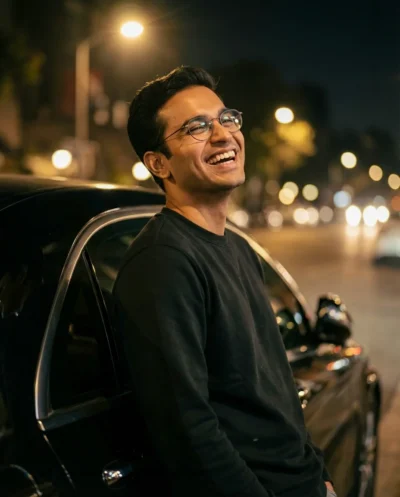
Description
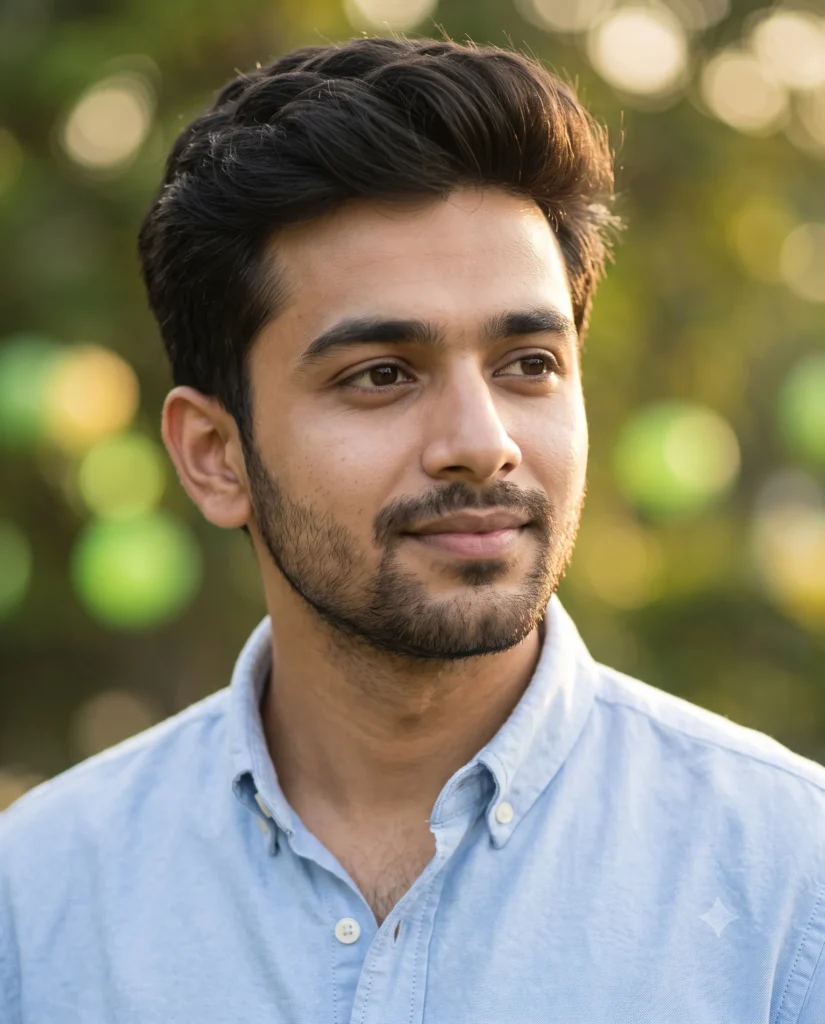
You can create a warm and inviting image instantly with this South Asian man portrait prompt. This generation produces a highly realistic close-up of a young man with a neatly trimmed beard, thick dark hair, and an open-collar blue shirt. It is explicitly designed to preserve the facial structure and proportions of your uploaded reference photo seamlessly.
The lighting in this scene is incredibly flattering and natural golden hour. It mimics the late afternoon sun, casting a soft honey-toned glow over the subject’s face and skin. The background gracefully melts away into a smooth, creamy blur of green and yellow garden lights. This effect keeps all the focus right on the man’s thoughtful expression while establishing a highly professional and cinematic mood.
- Professional LinkedIn profile pictures for creative directors and startup founders.
- High-quality character reference images for authors and digital storytellers.
- Engaging Instagram lifestyle posts showcasing approachable personal branding.
This warm outdoor aesthetic brings a highly polished energy to any creative project. Copy the prompt below and test it with your own reference image to see the beautiful results.
Golden Hour South Asian Man Portrait Prompt
A cinematic editorial portrait in a medium close-up composition, capturing a young South Asian man. Use the attached reference photo for facial identity and preserve facial structure and proportions. He looks thoughtfully off-camera with a subtle smile, showcasing voluminous dark hair and a neatly trimmed light beard. He wears a light blue cotton button-down shirt with the collar casually left open. Bathed in the warm, honey-toned glow of a natural golden hour, the low sunlight accentuates the contours of his face and casts a soft radiance on his skin. The camera keeps his face and features in sharp, crisp focus while beautifully softening the background into a smooth, creamy blur filled with large, round green and yellow bokeh lights from a serene garden setting. Shot on 85mm lens. Aspect ratio 4:5.
How to Use This Prompt:
- Upload Your Reference Image: First, upload the photo of the person. By doing so, you allow this prompt to strongly preserve the facial structure, proportions, and hairstyle from your reference image.
- Copy & Paste the Prompt: Once you have attached the image, paste the full prompt text into the Gemini message box. Then, hit enter to generate your scene.