Description
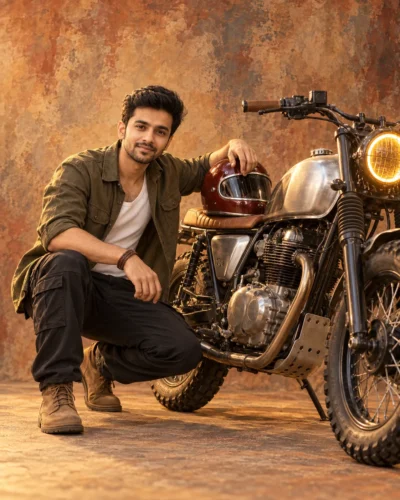
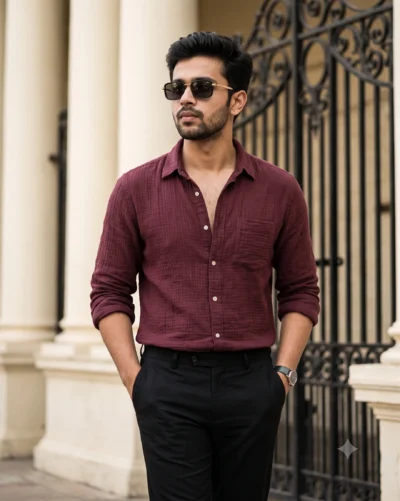
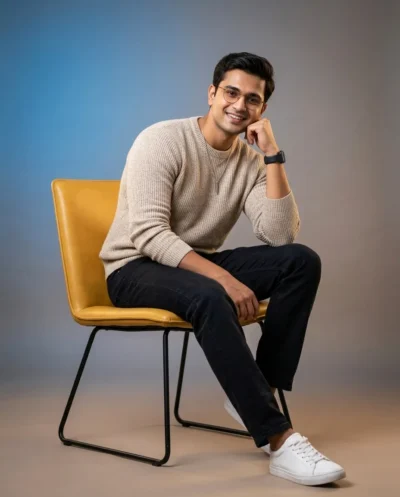
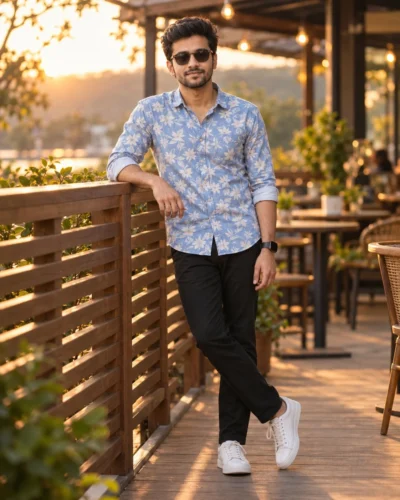
This young man portrait prompt creates a high-fashion image with a confident and modern feel. You can easily generate a striking urban photo that looks professionally shot. The prompt is ready to use and delivers consistent premium results.
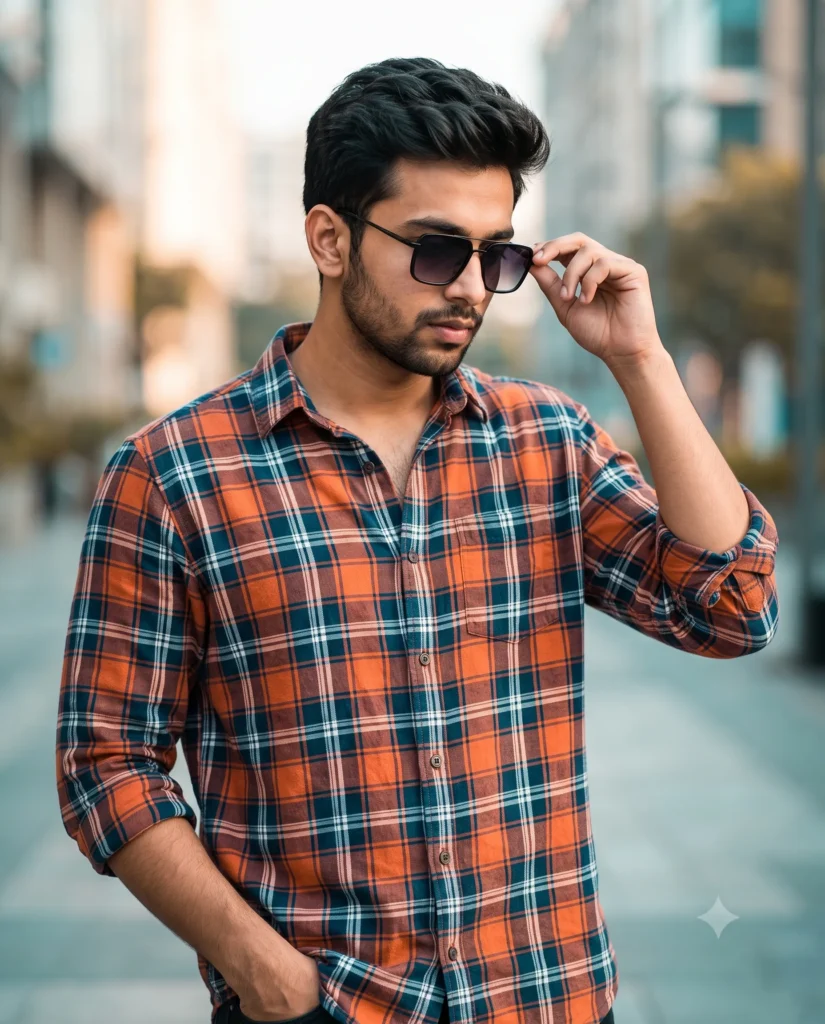
The image features soft morning sunlight that gently brightens the skin and clothing. The background city streets melt away into a smooth blur. This makes the main subject stand out sharply in his stylish plaid shirt and luxury sunglasses. Warm tones mix with a hint of cool blue to give the picture a rich movie-like quality.
This prompt is perfect for:
- Men’s fashion brand Instagram posts
- Professional social media profile pictures
- Modern urban lifestyle blog headers
This rich modern look instantly elevates your digital presence with a professional touch. Copy the prompt below and add your own reference photo to see the magic happen.
Cinematic Urban Fashion Portrait Prompt
A cinematic, high-fashion three-quarter portrait of a young man. Use the attached reference photo for facial identity and preserve facial structure and proportions. He stands on a modern urban street with a confident demeanor, his body turned slightly to the right as he looks stylishly downward. His left hand is resting casually in his pocket, and his right hand adjusts luxury square sunglasses with black gradient lenses. He has stylish, natural hair and wears a loose-fitting premium shirt in an orange, deep blue, and white plaid pattern, with the sleeves rolled up to reveal detailed fabric folds and tactile textile textures. The scene is illuminated by soft morning lighting that highlights skin and clothing details. The modern city backdrop is rendered in vibrant warm tones with a subtle teal color grade, keeping the subject in sharp focus while softening the background into a smooth, creamy blur. Aspect ratio 4:5.
How to Use This Prompt:
- Upload Your Reference Image: First, upload the photo of the person. By doing so, you allow this prompt to strongly preserve the facial structure, proportions, and hairstyle from your reference image.
- Copy & Paste the Prompt: Once you have attached the image, paste the full prompt text into the Gemini message box. Then, hit enter to generate your scene.