
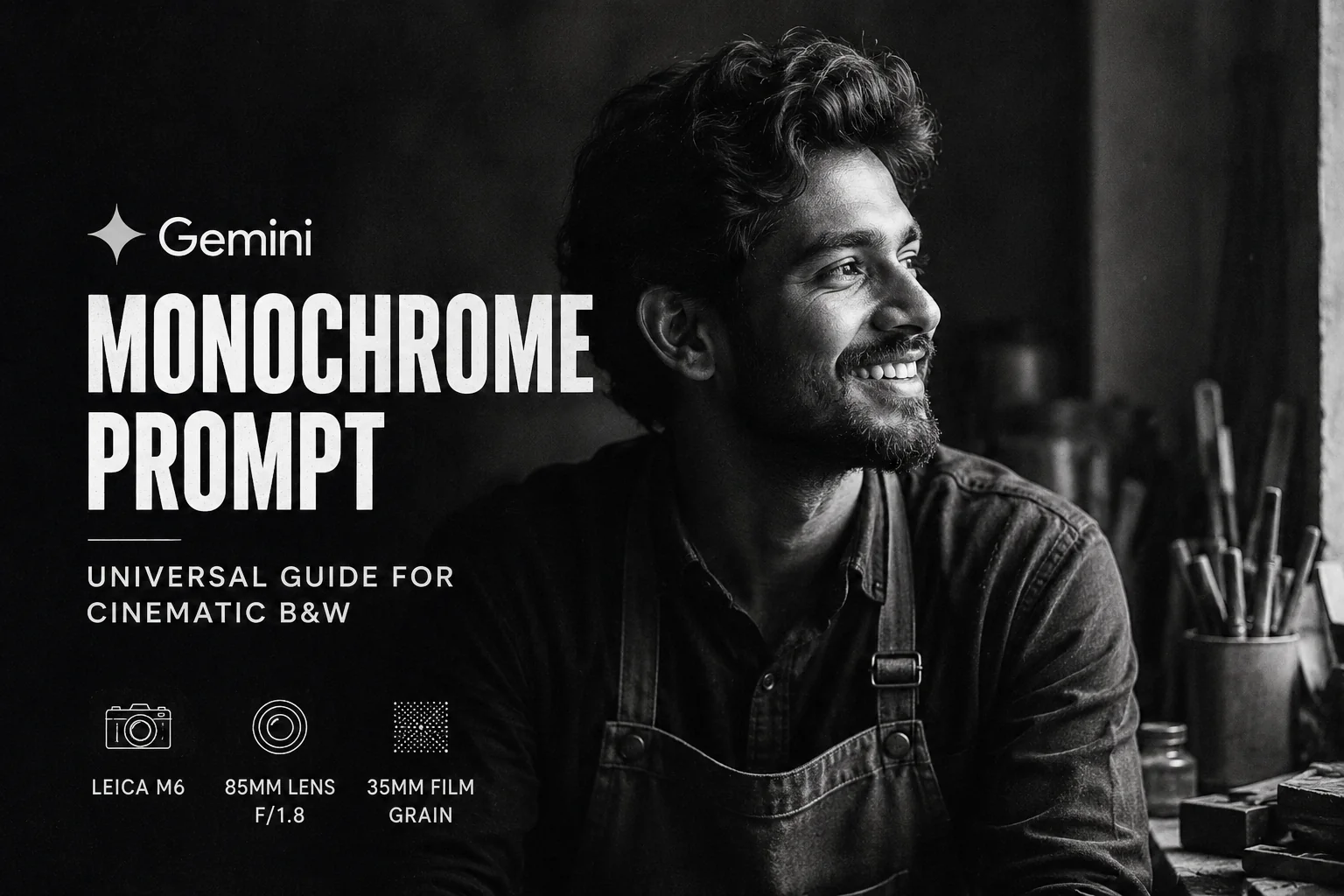
Black and white photography relies on light, contrast, and texture to evoke emotion. This Universal Gemini Monochrome Prompt is crafted to generate crisp, editorial-quality visual outputs across a wide variety of subjects including cinematic portraits, studio portraits, fine art scenes, etc.
Create a high-contrast, cinematic black and white photograph of a [insert subject, e.g., man looking thoughtfully into the distance]. Use dramatic, low-key directional lighting to create deep shadows and bright, sharp highlights, emphasizing rich texture and detail. The background should be completely dark or a solid deep gray to eliminate distractions. Incorporate subtle film grain for a classic, editorial aesthetic. Ensure crisp focus on the subject with medium contrast and smooth tonal gradations from deep blacks to stark whites.
Why This Prompt Works
- Low-Key Directional Lighting: Avoids flat gray AI renders by enforcing high contrast between highlights and shadows.
- Tonal Gradations: Instructs Gemini to preserve midtone detail rather than clipping deep blacks or blowing out whites.
- Subtle Film Grain: Adds a tactile visual grain to eliminate the overly smooth “AI look.”
| Style | Key Keywords to Add | Ideal Subject |
| Film Noir | Venetian blind shadows, harsh spotlight, foggy night atmosphere, atmospheric haze | Street scenes, mystery portraits |
| High-Key Studio | Bright white background, soft diffused lighting, delicate tones, minimal shadow | Modern fashion, clean beauty shots |
| Street Documentary | Gritty texture, candid framing, motion blur, 35mm street photography aesthetic | Urban life, transit, markets |
| Vintage Daguerreotype | 19th-century portrait aesthetic, slight vignette, historical grain, long exposure look | Antique objects, classic portraits |
Quick Fixes for Common Gemini Monochrome Prompt Issues
- Issue: Gemini adds a subtle color tint (sepia/blue).
- Fix: Add
pure monochrome, grayscale, no color tintat the start of your prompt.
- Fix: Add
- Issue: Shadows look washed out or gray.
- Fix: Change
dramatic lightingtolow-key lighting, crushed black shadows, high contrast ratio.
- Fix: Change
- Issue: The image looks overly smooth or “too AI.”
- Fix: Explicitly add
35mm film texture, subtle analog grain, natural optical imperfections.
- Fix: Explicitly add
How to Customize Gemini Monochrome Prompt:
- For Studio Elegance: Change
"low-key directional lighting"to"soft, diffused studio lighting"and set the background to"vast, empty negative space". - For Fashion & Editorial: Add “An editorial-style shot with sharp focus on [subject] wearing [garment/texture]” to bring out fabric textures.
- For Architecture & Urban: Replace
[insert subject]with “a brutalist concrete skyscraper under harsh mid-day sunlight”. - To Edit an Existing Photo: Upload your image to Gemini first, then prompt:“Transform the uploaded image into a high-contrast black and white photograph while keeping the original person and composition exactly the same.”
Plug-and-Play Subject Ideas
Try replacing [insert subject] with any of these ideas:
an elderly jazz musician playing a saxophone in a dimly lit alleya sleek classic sports car parked on wet pavement under a single street lighta close-up profile portrait of a woman with freckles and natural hair texturea minimalist spiral staircase shot from directly below
Wrap-Up
Mastering monochrome AI photography comes down to controlling light, contrast, and texture rather than relying on color. By framing your prompt with clear lighting directions and tonal boundaries, you can reliably turn out striking, gallery-ready visual assets in Gemini.
Give this prompt structure a spin with different lighting styles to see how it reshapes your visual output!
Frequently Asked Questions (FAQs)
You can use this prompt with both free and advanced versions of Google Gemini. For the sharpest photographic detail and grain rendering, using Imagen-based generations inside Gemini yields the most striking contrast.
Explicitly specifying lighting styles like “low-key directional lighting” and defining extreme tonal ranges (“deep blacks to stark whites”) prevents the model from generating flat, muddy grays.
Yes! Adding parameters like “shot on 35mm film,” “Leica M6 aesthetic,” or “f/1.4 lens with soft background bokeh” instructs Gemini to add natural optical characteristics, lens blur, and realistic camera depth.
For portraits and editorial shots, a 3:4 or 9:16 vertical ratio highlights composition and subject isolation. For architecture, street scenes, and landscape photography, a widescreen 16:9 ratio provides a cinematic feel.