Description
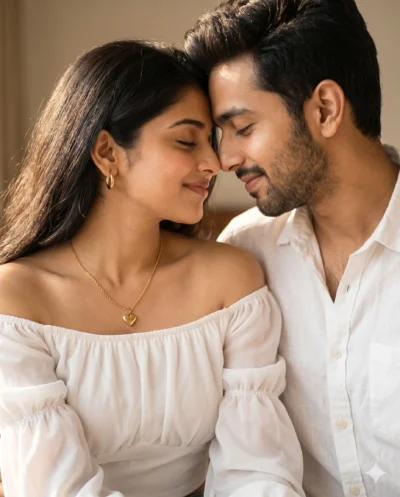
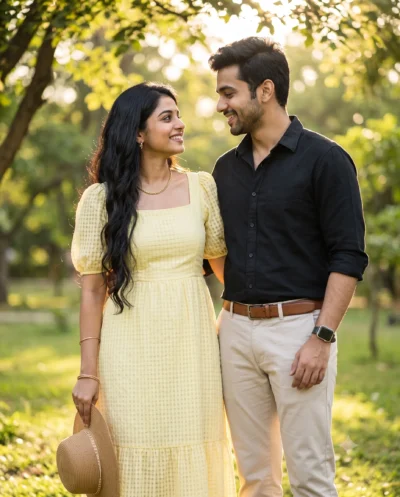
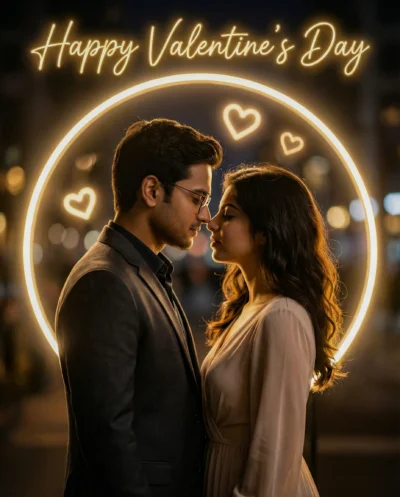
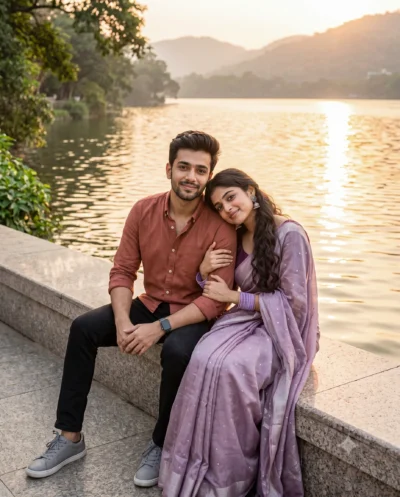
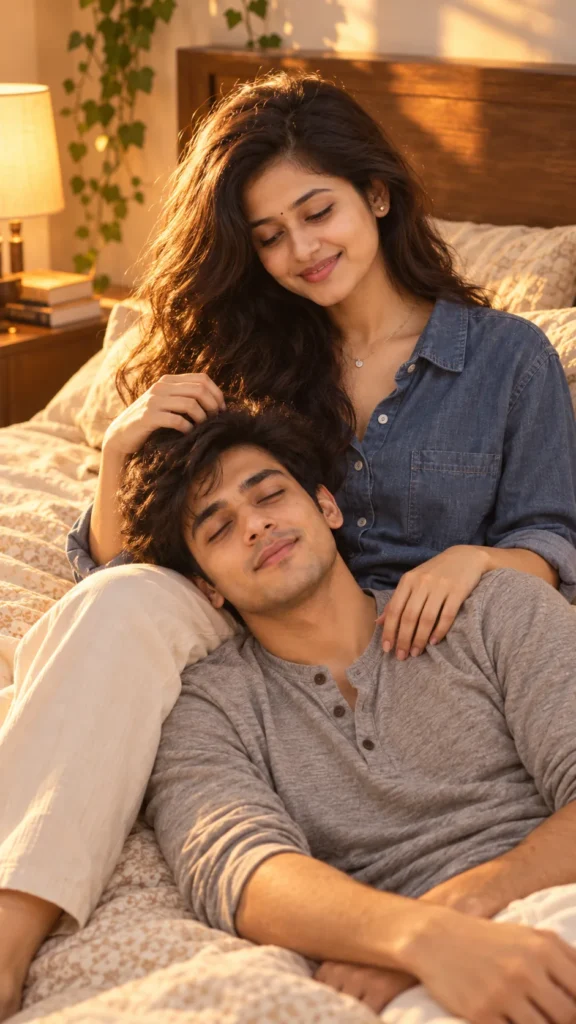
This bedroom couple portrait prompt creates an intimate, tender lifestyle photo filled with genuine emotion. It preserves both subjects’ exact facial features, hairstyles, skin tones, and body proportions directly from your reference photos. In addition, the prompt guides the AI to frame the relaxed lap pose naturally rather than pasting flat digital cutouts. As a result, you get a lifelike couple portrait with believable chemistry and natural skin textures.
The visual appeal comes from warm golden-hour window light streaming across the room, filling the scene with an amber glow. A soft bedside lamp and subtle rim light separate both subjects gently from the warm cream bedding. The 85mm lens setting keeps facial proportions accurate with sharp focus, while the bedroom background melts into creamy bokeh. In addition, her soft indigo denim button-down shirt and his heather-gray henley bring a timeless casual touch to the warm cinematic scene.
Try changing these simple details to make the scene your own:
- Wardrobe Styling: Swap the “indigo denim button-down shirt” with waffle-knit loungewear or cozy knit sweaters to test different casual fabrics.
- Lighting & Atmosphere: Replace “golden-hour window light” with “rainy overcast morning light” or “dim candlelit room” for a moodier setting.
- Framing & Poses: Change “slightly top-down camera angle” to “eye-level side profile” or “close head-and-shoulders frame” to vary camera angles.
For the best result, choose reference photos from your phone gallery where both faces are clearly illuminated by soft natural daylight. Avoid pictures with heavy filters, dark sunglasses, or harsh flash shadows that conceal real facial features. Copy this bedroom couple portrait prompt below, test it with your photos in your favorite AI tool, and see your tender portrait come together.
Copy This Bedroom Couple Portrait Prompt
Create a vertical medium-shot portrait of the young couple from the reference photos, sharing a tender moment in a cozy bedroom at golden hour. Preserve both subjects’ exact faces, hairstyles, skin tones, and body proportions, with their faces clearly visible and detailed. Keep both hairstyles from the reference, his slightly tousled from her touch. Slightly top-down camera angle, both figures visible to the hips, faces off-center following the rule of thirds.
The woman sits propped against a wooden headboard, her face turned down toward the man but visible to the camera, smiling gently. His head rests in her lap, his shoulders angled toward the lens, his face turned toward the camera with eyes softly closed and a calm, peaceful expression. Her right hand rests in his hair with relaxed fingers, and her left hand rests on his shoulder, natural fingers. She wears a relaxed-fit soft indigo denim button-down shirt with sleeves rolled to the forearms, small silver stud earrings, and a thin silver necklace. He wears a heather-gray cotton henley in a relaxed fit with a few top buttons open and soft natural creases, with light stubble and natural skin texture.
The bed has solid warm cream bedding with a subtle pattern. Beside it, a bedside table holds a few stacked books and a warm-shaded lamp, with trailing ivy on the wall. Golden-hour window light is the main light, with the lamp as a soft warm accent and a gentle rim light separating them from the bedding, casting a soft amber glow and soft shadows across the fabrics, keeping the cool indigo and gray tones soft and natural. The background melts into creamy bokeh. 85mm lens, f/2.8, both faces in sharp focus, warm cinematic color grading, soft contrast, natural skin tones, subtle film grain. Serene, tender, romantic mood. Natural hands, correct anatomy, no text or logos, no distorted features.
How to Use This Prompt:
- Upload Your Reference Image: First, upload the photo of the person. By doing so, you allow this prompt to strongly preserve the facial structure, proportions, and hairstyle from your reference image.
- Copy & Paste the Prompt: Once you have attached the image, paste the full prompt text into the ChatGPT message box. Then, hit enter to generate your scene.