Description
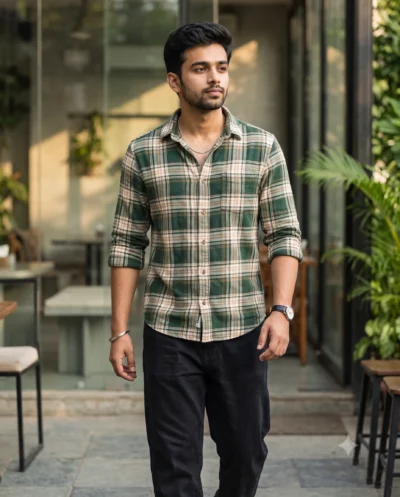
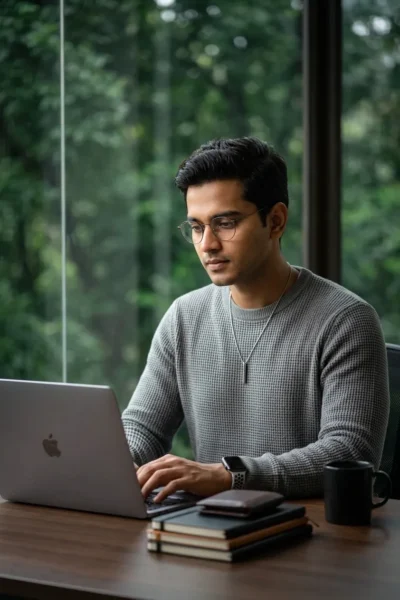
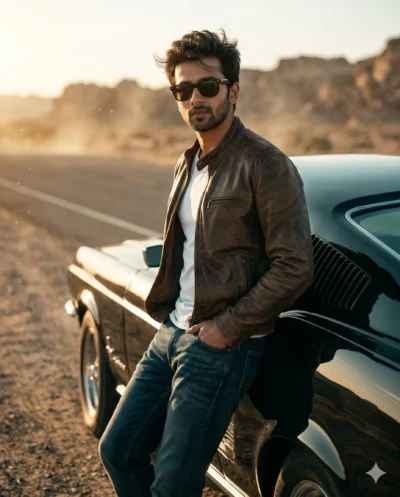
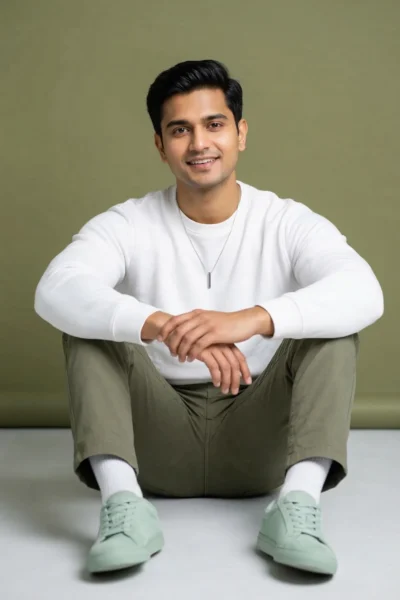
This candid street portrait prompt delivers a highly realistic image of a modern man walking through a sunny city scene. You can easily apply your own reference photo to create a personalized, natural-looking portrait that captures a relaxed and confident vibe.
The resulting image feels bright and welcoming with natural sunlight filtering through green trees. The subject stands out sharply against a softly blurred background of modern city buildings. The fashion elements like a tailored jacket, crisp shirt, and premium white sneakers add a touch of everyday luxury to the scene.
This portrait is ideal for:
- Personal branding photos for LinkedIn profiles
- Casual lifestyle content for men’s fashion Instagram accounts
- Visual assets for modern urban lifestyle blogs
This lively urban aesthetic brings a fresh and professional look to your digital presence. Copy the text below to try it with your own reference images and see the vibrant results for yourself.
AI Image Prompt: Stylish Man Candid Street Walk
A candid street portrait of the attached man strolling along a pristine city sidewalk. Use the attached reference photo for facial identity and preserve facial structure and proportions. He wears an elegant, tailored soft-structured jacket over a crisp fabric shirt, complemented by a luxury wristwatch with a distinct green dial and immaculate, premium white leather sneakers. Caught mid-stride in a natural, candid walking pose, he holds a modern glass-and-metal smartphone casually in one hand while looking slightly away from the camera with a relaxed smile. Soft, natural sunlight filters through the lush canopy of a leafy street tree, casting gentle highlights against contemporary architectural buildings in the background. The shot keeps the subject in sharp, vibrant focus while beautifully softening the serene urban background into a warm, shallow blur. Aspect ratio 4:5.
How to Use This Prompt:
- Upload Your Reference Image: First, upload the photo of the person. By doing so, you allow this prompt to strongly preserve the facial structure, proportions, and hairstyle from your reference image.
- Copy & Paste the Prompt: Once you have attached the image, paste the full prompt text into the Gemini message box. Then, hit enter to generate your scene.