Description
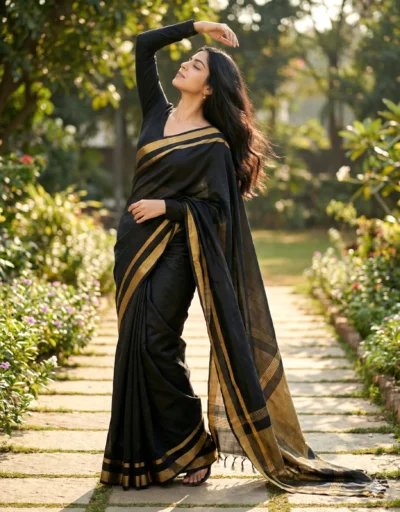
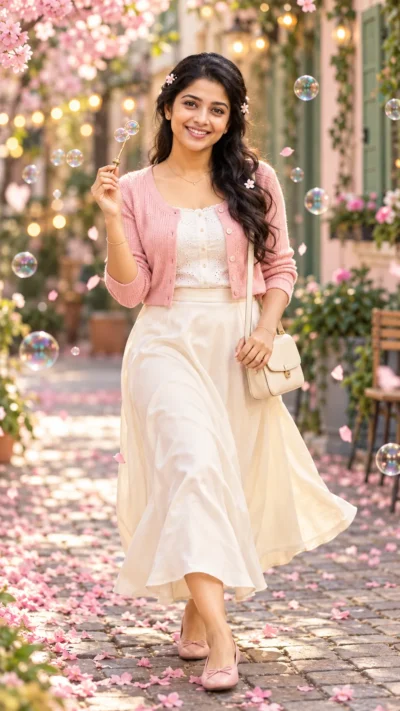
This White Saree Portrait Prompt generates a relaxed and confident image of a woman on a beautiful college campus. You can easily create a professional and natural look that highlights elegant traditional clothing in a modern setting. The elegant white saree features a subtle gold border that catches the warm afternoon light perfectly.
The image features warm late afternoon sunlight that gives the scene a soft and glowing feel. The person is crisp and clear while the background trees and walkways gently fade away. This keeps all the focus on the subject and her detailed outfit.
This portrait is ideal for:
- Social media profile pictures for students or educators
- Lifestyle blog graphics highlighting modern campus life
- Promotional materials for educational programs or fashion brands
This warm and inviting aesthetic offers endless creative possibilities for your next project. Copy the text below and test it with your own reference photos to see the results.
Gemini Image Prompt: Candid College Student Saree Portrait
A candid three-quarter length portrait of the attached woman standing outdoors on a beautiful college campus, leaning with a relaxed, confident posture against a concrete column. Use the attached reference photo for facial identity and preserve facial structure and proportions. She has a calm, slightly smiling expression, with long dark wavy hair styled with small braids pinned back. She is dressed in an elegant white saree with a thin gold border, a matching blouse, and delicate gold earrings, chain necklace, carrying a brown backpack over one shoulder while holding a stack of notebooks in her crossed arms. Low golden-hour light casts a warm glow and gentle rim light across her silhouette, while soft ambient fill light balances deep shadows. The subject remains in crisp focus with high detail on her face and fabric folds, while the background trees and campus walkways recede into a soft, cinematic blur with warm color grading and a subtle vignette. Aspect ratio 4:5.
How to Use This Prompt:
- Upload Your Reference Image: First, upload the photo of the person. By doing so, you allow this prompt to strongly preserve the facial structure, proportions, and hairstyle from your reference image.
- Copy & Paste the Prompt: Once you have attached the image, paste the full prompt text into the Gemini message box. Then, hit enter to generate your scene.