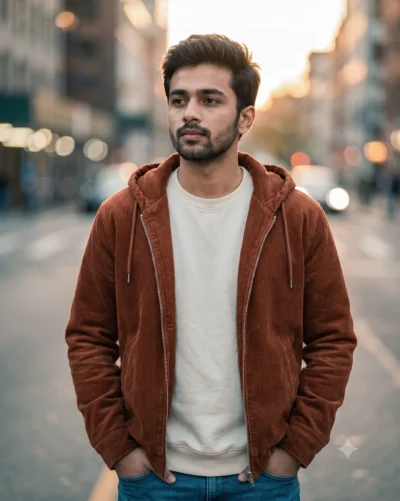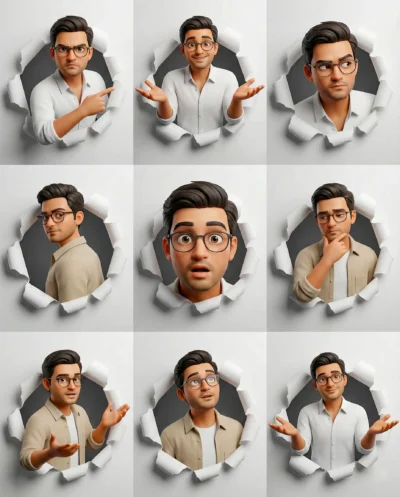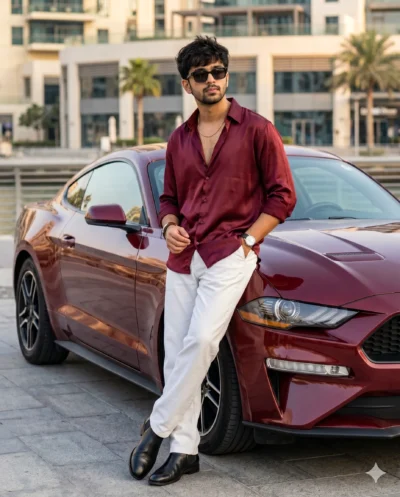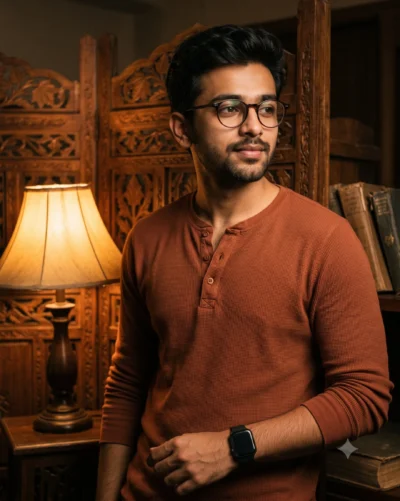
Description
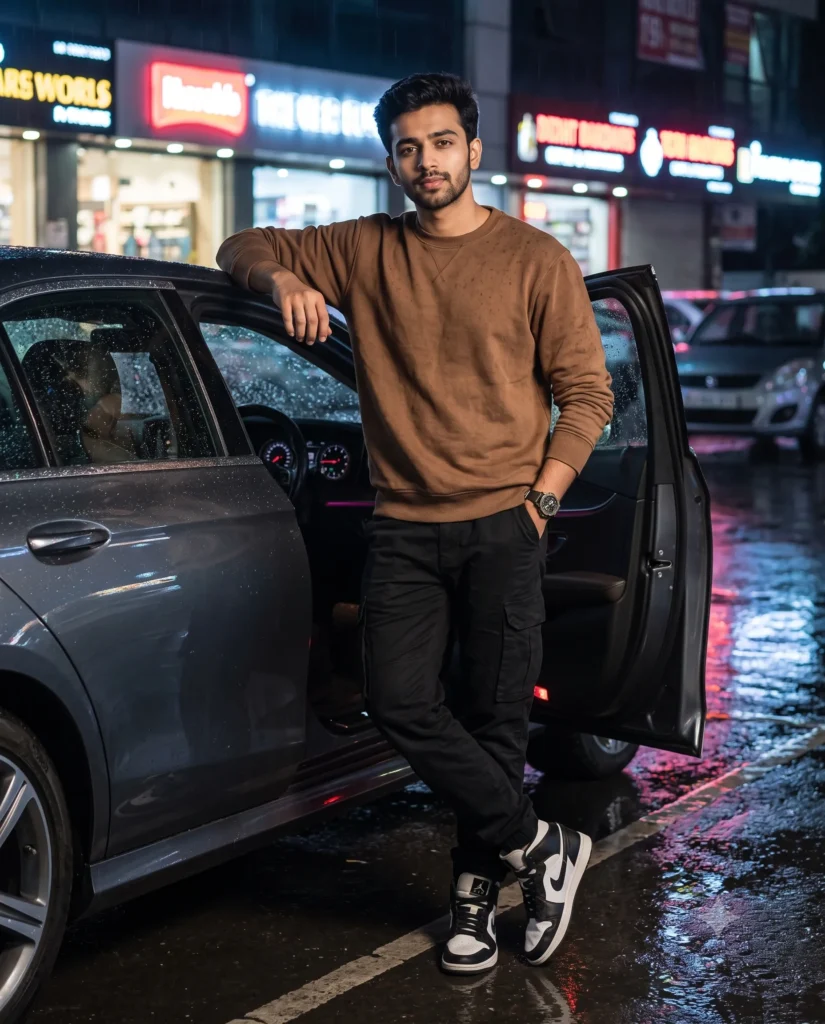
This car photo ai prompt generates a striking image of a confident man standing by a luxury sedan at night. You can easily create a professional and moody editorial shot that looks like it belongs in a premium lifestyle magazine.
The scene feels rich and atmospheric. Raindrops bead on the glossy dark gray car surface while the wet asphalt mirrors bright, colorful neon signs from nearby storefronts. The lighting is bold and dramatic, highlighting the man’s relaxed pose and textured streetwear against the dark city backdrop.
- Men’s fashion brand Instagram posts
- Automotive editorial lifestyle blog featured images
- Personal portfolio styling mockups
This atmospheric setup brings a premium, late-night city vibe to your visual projects. Copy the prompt below and swap in your own reference image to see how it transforms your subject.
Gemini AI: Cinematic Night Car Photo Prompt With Man
A cinematic full-body editorial fashion photograph of a man captured at night. Use the attached reference photo to preserve his facial identity, structure, and proportions. He stands on a rain-slicked asphalt city parking space after a downpour, leaning casually against the open driver's door of a modern, gloss-finished dark gray luxury sedan. Looking directly at the camera with a confident expression and neatly styled hair, he wears a thick, textured brown cotton crewneck sweatshirt, rugged black canvas cargo pants, classic black-and-white high-top sneakers, and a prominent matte wrist watch. One hand rests naturally on the the door while the other is tucked into his pocket, his posture relaxed with one leg lightly crossed. The moody, premium atmosphere features clear raindrops beading on the metallic car surface and a wet road mirroring vibrant, colorful neon storefronts. Aspect ratio 4:5.
How to Use This Prompt:
- Upload Your Reference Image: First, upload the photo of the person. By doing so, you allow this prompt to strongly preserve the facial structure, proportions, and hairstyle from your reference image.
- Copy & Paste the Prompt: Once you have attached the image, paste the full prompt text into the Gemini message box. Then, hit enter to generate your scene.