Description
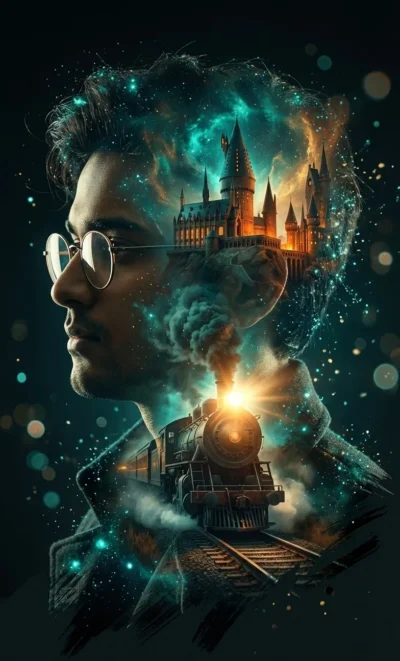
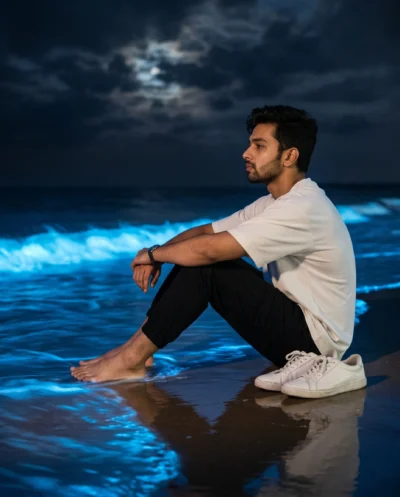
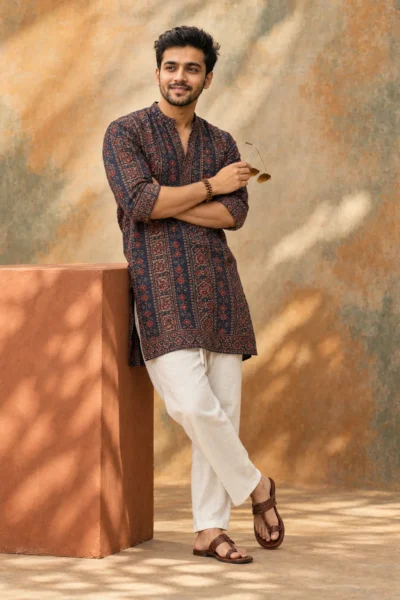
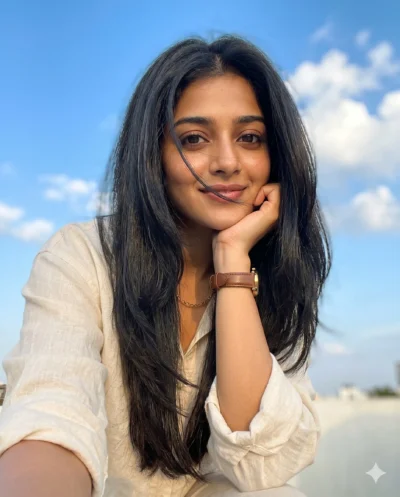
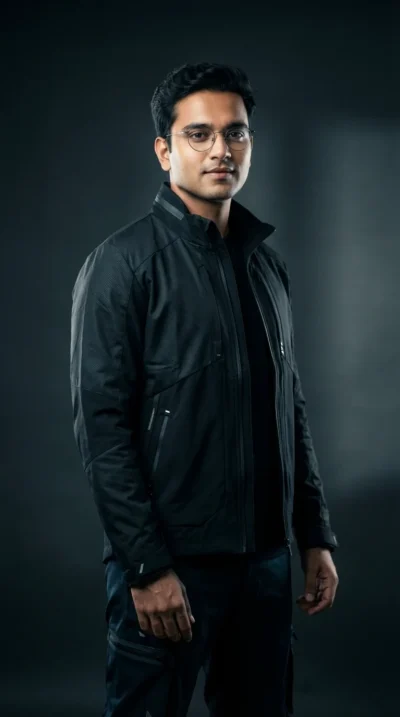
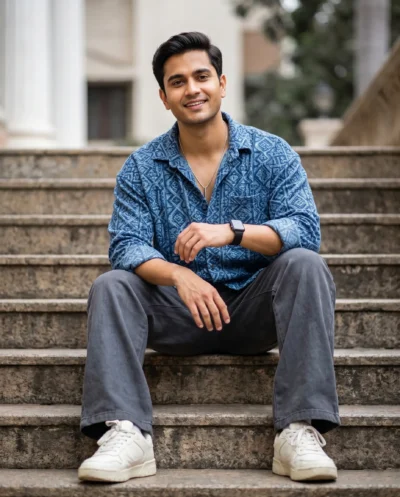
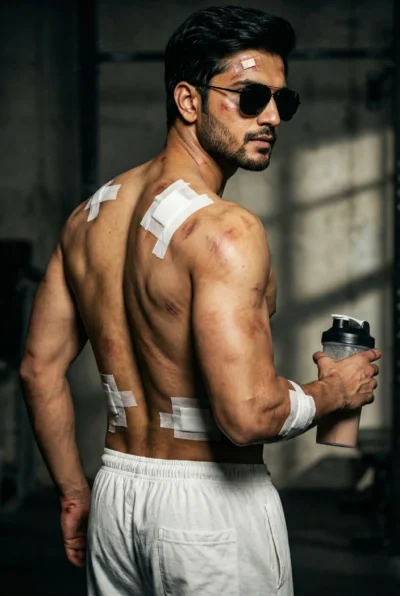
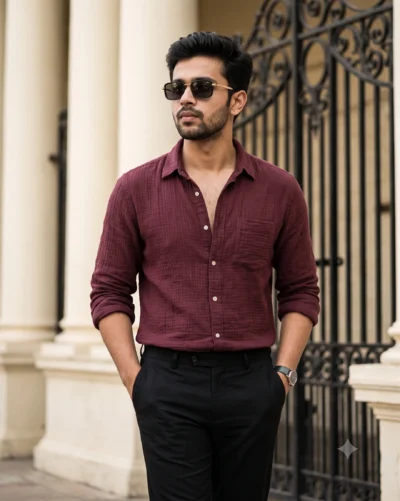
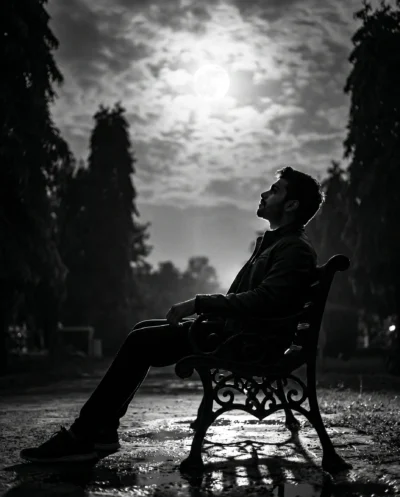
This cinematic dp ai prompt produces a striking, professional profile picture in seconds. You can easily generate a highly realistic portrait of a man bathed in dramatic evening light.
The image features beautiful golden hour lighting that casts a sharp, sculpting shadow across the face. The background remains softly blurred so the subject stands out perfectly for a small circular crop. Natural skin details, realistic textures, and a subtle film grain give the final result an authentic cinematic look.
This DP prompt is perfect for:
- WhatsApp, Instagram, or Facebook profile pictures.
- Professional avatars for creative portfolios or Discord.
- Character references for digital storytelling.
This moody aesthetic instantly upgrades any digital avatar. Copy the prompt below and swap in your own details to create the perfect display picture.
AI Prompt: Cinematic Golden Hour Male DP
Cinematic chest-up portrait of a man during golden hour, shot from a slightly low angle. Preserve the exact facial identity, facial structure, facial proportions, body proportions, physique, height, skin tone, age, and all distinctive physical characteristics of the subject. Warm amber sunlight casts a dramatic diagonal shadow across his face, creating Rembrandt-style lighting with deep, sculpted shadows and a soft rim light along his hair. He has tousled dark curly hair, light stubble with a defined goatee, small gold hoop earrings, a thin gold chain, and an open light-blue striped shirt. Subtle sweat sheen, natural skin texture with realistic pores, and sharp catchlights in his eyes. Creamy shallow depth of field with a softly blurred bokeh background. Rich warm highlights, neutral midtones, deep teal shadows, subtle film grain, cinematic color grading, and soft contrast. High-resolution 85mm look, sharp focus on the eyes, moody contemplative atmosphere.
How to Use This Prompt:
- Upload Your Reference Image: First, upload the photo of the person. By doing so, you allow this prompt to strongly preserve the facial structure, proportions, and hairstyle from your reference image.
- Copy & Paste the Prompt: Once you have attached the image, paste the full prompt text into the Gemini message box. Then, hit enter to generate your scene.