Description
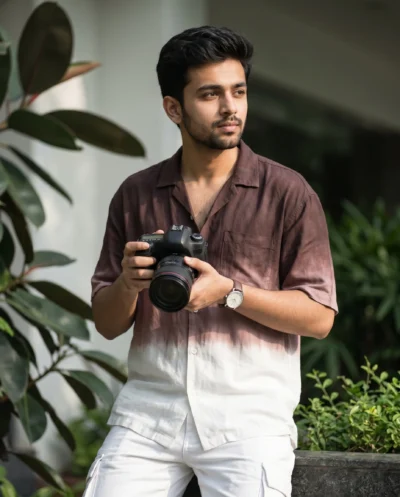
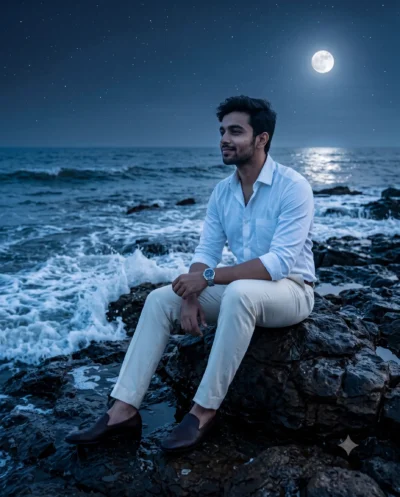
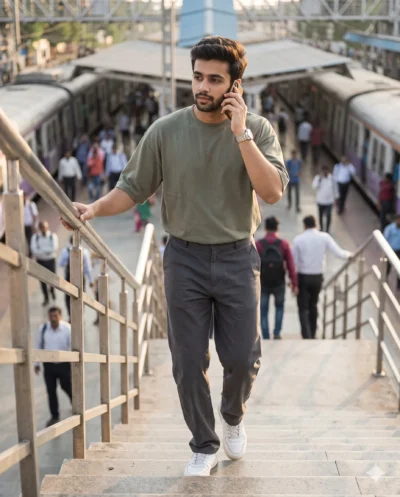
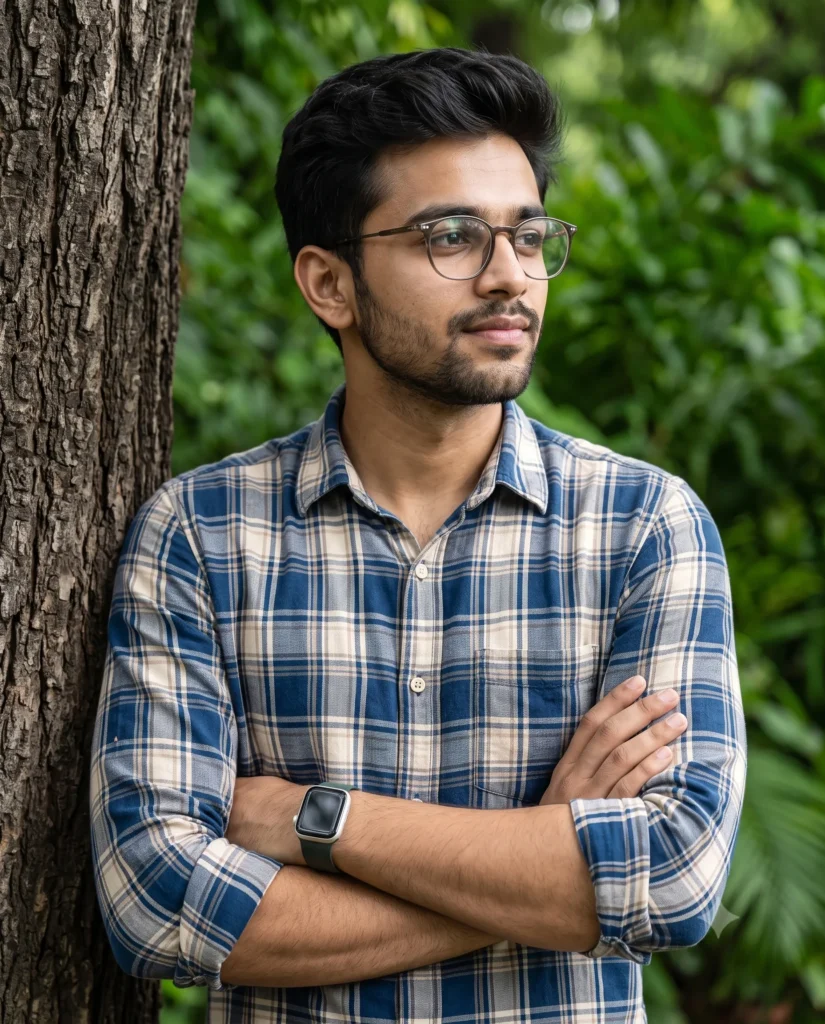
You can instantly generate a highly realistic image using this profile picture prompt for men. It creates a crisp, candid medium shot of a young man leaning comfortably against a rugged tree trunk. The result looks completely lifelike and serves as a fantastic digital avatar.
The lighting in this scene is soft and natural. Gentle daylight highlights the subject’s face and the detailed weave of his plaid shirt. The background fades into a bright, vibrant green blur, which keeps all the focus clearly on the man while providing a fresh outdoor mood.
This prompt is perfect for:
- Professional LinkedIn profile pictures (reference) for modern professionals.
- High-quality stock imagery for lifestyle and men’s apparel blogs.
- Creative character references for modern digital storytelling projects.
This warm outdoor aesthetic delivers a highly polished and natural look every time. Copy the text below and try it with your own reference photos to see the magic happen.
Cinematic Outdoor Portrait: Professional Male DP
A candid cinematic portrait featuring a medium shot of a young South Asian man leaning comfortably against a rugged, deeply textured tree trunk, looking away to the right with his arms crossed. Use the attached reference photo for facial identity and preserve facial structure and proportions. He has a well-groomed dark side-part haircut with textured volume on top, stylish modern glasses, and a sleek smartwatch on his wrist. He wears a soft cotton blue, beige, and white plaid button-down shirt with the sleeves neatly rolled up. Gentle, diffused natural daylight illuminates the scene, highlighting the subtle fabric weave and natural skin tones. The background dissolves into a rich, vibrant green foliage bokeh, keeping the subject in sharp, clear focus while softly blurring the environment. Aspect ratio 4:5.
How to Use This Prompt:
- Upload Your Reference Image: First, upload the photo of the person. By doing so, you allow this prompt to strongly preserve the facial structure, proportions, and hairstyle from your reference image.
- Copy & Paste the Prompt: Once you have attached the image, paste the full prompt text into the Gemini message box. Then, hit enter to generate your scene.