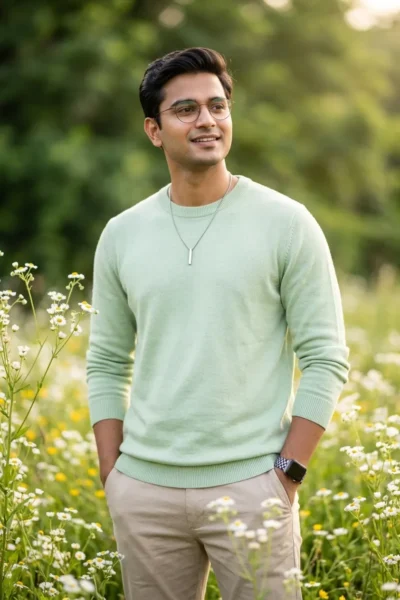
Description
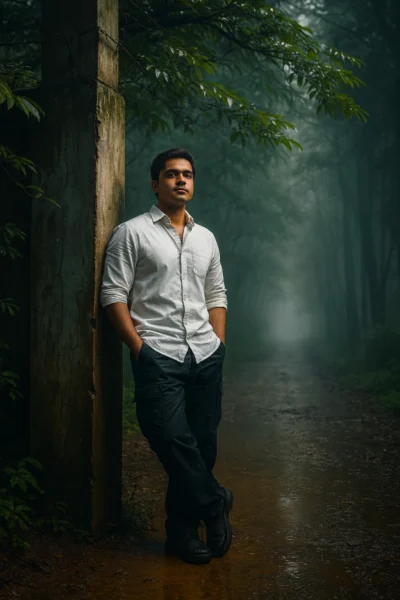
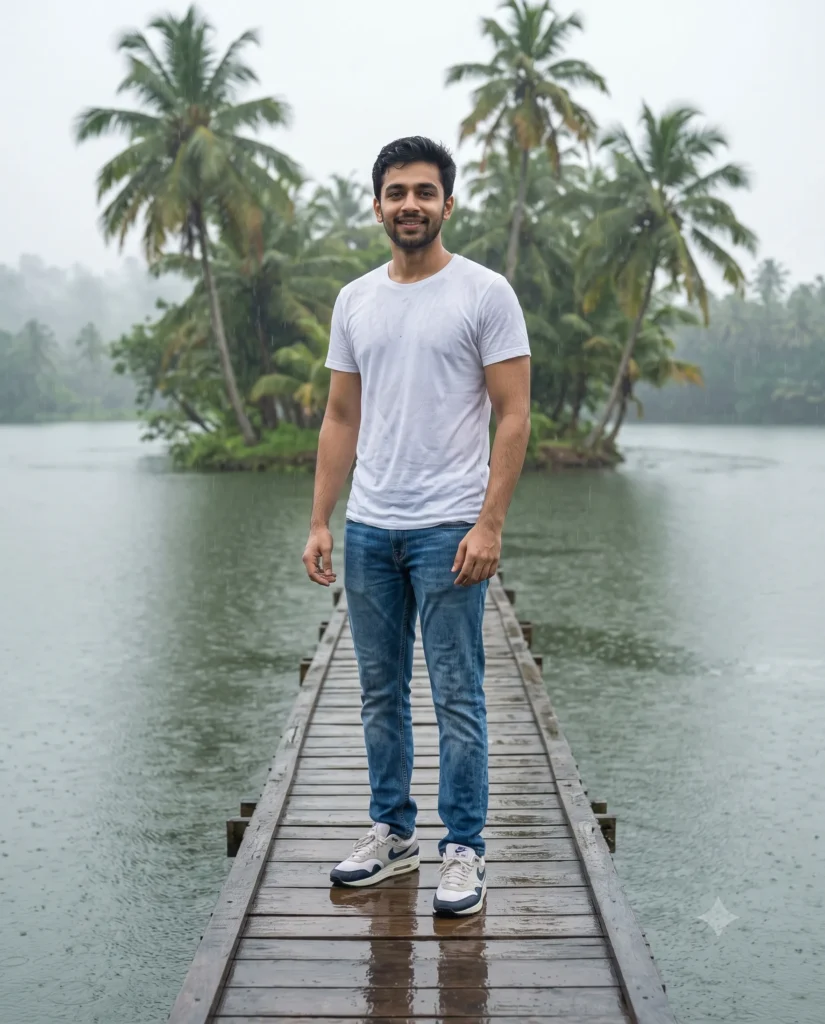
This nature vibe photo prompt produces a calm, cinematic scene of a person standing on a wooden bridge in the rain. You can turn a basic portrait into a beautiful outdoor setting instantly. The result looks professional and highly detailed without requiring complex camera knowledge.
The final image features soft light filtering through a heavy, overcast sky. Gentle rain makes the wooden planks wet and reflective. Tall palm trees sit in a light mist in the background. The casual outfit of a white t-shirt and denim looks slightly damp, adding a natural and authentic feel to the portrait.
This prompt is perfect for:
- Instagram feed posts for outdoor lifestyle and travel accounts
- Website banners for casual men’s clothing brands
- Personal profile pictures for creative portfolios
This moody aesthetic brings a peaceful, tropical energy to your generated art. Copy the text below and try it with your own reference image to create a stunning outdoor portrait.
Reference Prompt: Nature Vibe Lake Portrait
Cinematic medium-wide environmental portrait of the man from the attached reference photo, preserving his exact facial identity, structure, and proportions. He stands on a narrow, weathered wooden footbridge stretching across a calm tropical lake during a gentle rain. He is dressed in a plain white cotton t-shirt slightly damp from the rain, classic blue denim trousers with rich fabric texture, and Nike Air sneakers with wet reflections. Soft, diffused lighting from an overcast sky illuminates the scene, while the wet timber planks reflect his silhouette. In the background, a small island features tall, dense coconut palms shrouded in gentle, humid mist. Shallow depth of field keeps the subject sharp while softly blurring the distant horizon. Aspect ratio 4:5.
How to Use This Prompt:
- Upload Your Reference Image: First, upload the photo of the person. By doing so, you allow this prompt to strongly preserve the facial structure, proportions, and hairstyle from your reference image.
- Copy & Paste the Prompt: Once you have attached the image, paste the full prompt text into the Gemini message box. Then, hit enter to generate your scene.