Description
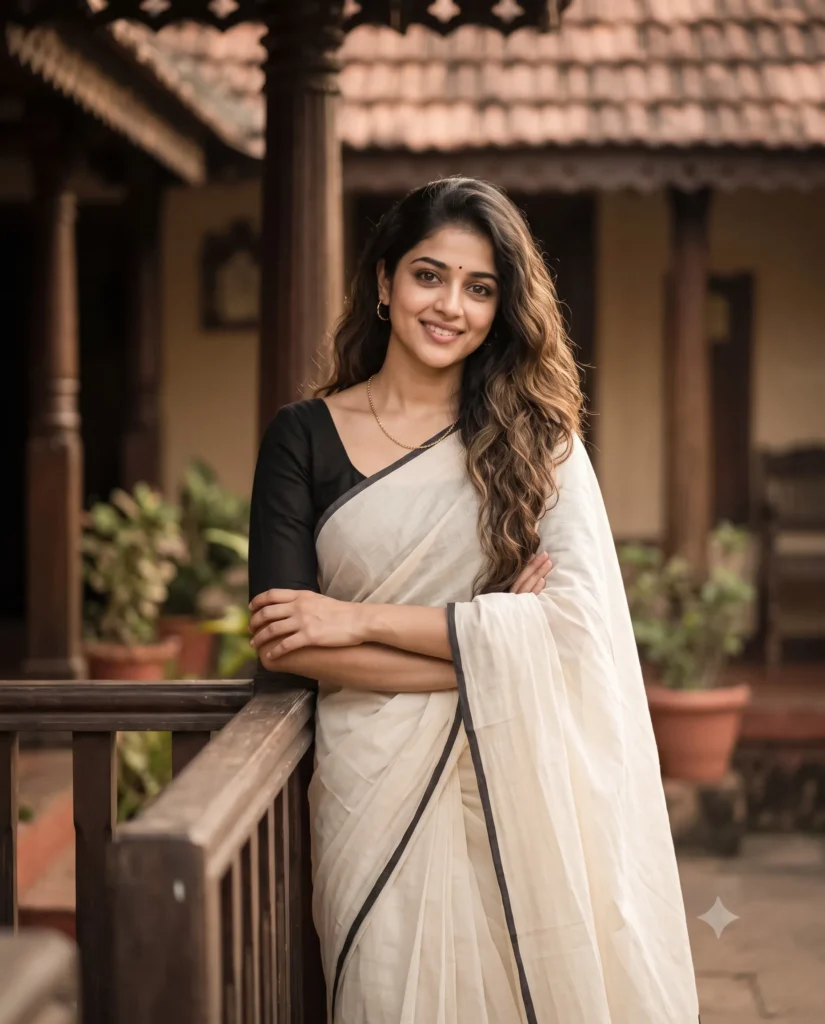
You can easily create a beautiful, lifelike image using this traditional saree prompt. This text generates a highly realistic photo of a woman standing casually by a dark wooden railing. It works wonderfully with your own reference images to keep the exact facial features and proportions intact.
The visual style brings a warm and nostalgic feeling to your digital creations. The lighting looks like late afternoon sun shining softly on the subject to create a gentle glowing effect. The background fades smoothly into a peaceful traditional home setting with wooden pillars and potted plants. Everything blends perfectly in smooth creamy whites, soft browns, and earthy clay tones.
- Personalized social media profile pictures
- Traditional fashion brand mood boards
- Custom digital avatars for family events
This vintage aesthetic brings a soft and timeless look to any generated photo. Copy the prompt below and test it with your favorite reference images to see the stunning results.
Cinematic Traditional Saree Prompt for Image Reference
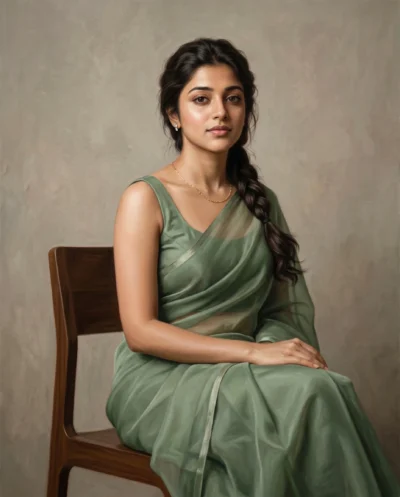
A candid, waist-up 50mm cinematic photo of a woman with her arms casually crossed as she leans on an elegant and clean dark wooden front railing. Preserve the exact facial identity, structure, and proportions of the attached reference photo. She features a gentle three-quarter angle, a relaxed smile and soft catchlights in her eyes. Her loose, wavy hair cascades over one shoulder, and she wears a small bindi, delicate gold chain necklace with small matching hoop earrings. She is dressed in an elegant cream-white handloom saree with a thin black border and a fitted black blouse. Set against a softly blurred serene traditional house background showing dark wooden veranda columns, potted plants, and clay roof tiles. Bathed in diffused golden-hour light with a shallow depth of field, low contrast, subtle film grain, gentle vignetting, and a muted vintage palette of cream, sepia, and terracotta. Aspect ratio 4:5.
How to Use This Prompt:
- Upload Your Reference Image: First, upload the photo of the person. By doing so, you allow this prompt to strongly preserve the facial structure, proportions, and hairstyle from your reference image.
- Copy & Paste the Prompt: Once you have attached the image, paste the full prompt text into the Gemini message box. Then, hit enter to generate your scene.