Description
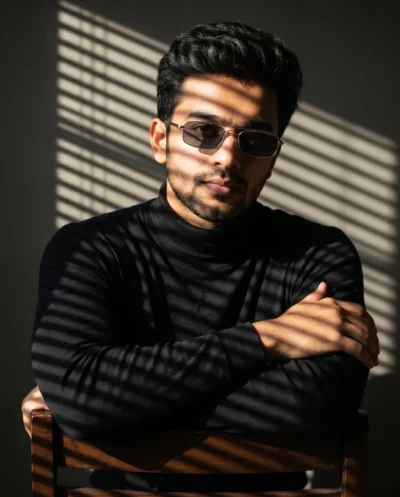
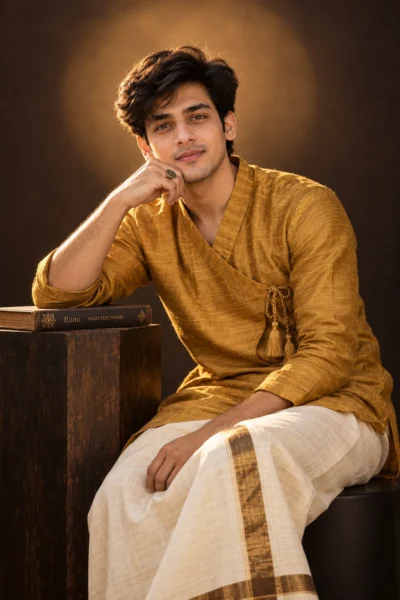
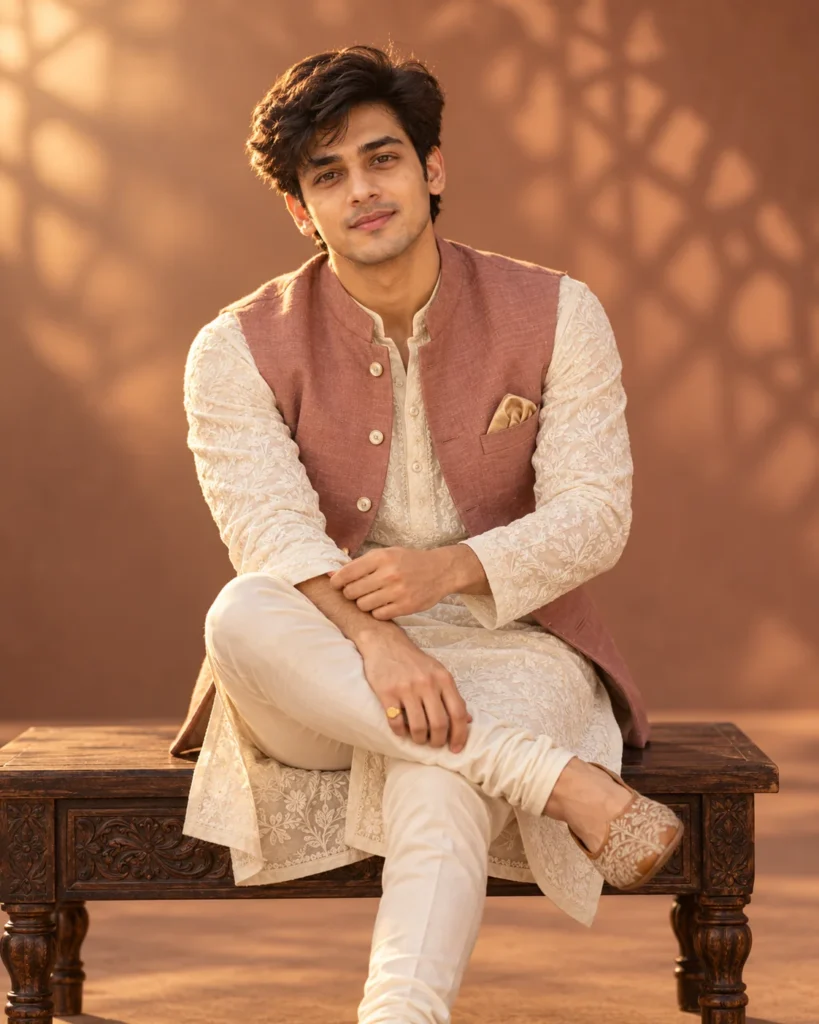
This chikankari kurta portrait prompt creates a warm, magazine-style studio photo that looks completely natural. It locks in the exact facial features and hairstyle from your uploaded photo so the final result looks unmistakably like you. The relaxed seated pose on a carved wooden bench adds an effortless, confident feel without looking stiff or overly posed. It is a great choice for festive portraits or elevating a casual snapshot into traditional editorial wear.
The magic of this setup comes from the warm studio lighting and rich color palette. Soft directional light sweeps in from the side. Consequently, the raised white embroidery on the ivory fabric stands out clearly and gives your skin a golden glow. Meanwhile, the dusty-rose jacket and sandstone backdrop share warm earthy tones that flatter your face. Because the prompt uses a 70mm portrait lens, the background shadows stay softly blurred. Therefore, your eyes and outfit remain in crisp focus.
Try changing these simple details to make the image your own:
- Swap the jacket color: Change “dusty-rose raw silk” to “emerald green velvet” or “navy blue linen”. This simple edit gives the outfit a completely different festive vibe.
- Change the backdrop setting: Replace the “seamless studio cyclorama” description with “warm sunlit heritage courtyard” if you prefer an outdoor architectural setting over a clean studio look.
- Adjust the camera framing: Swap “three-quarter seated portrait” with “close-up head and shoulders portrait”. Doing so focuses the camera tightly on your face and collar detail.
To get the most realistic result, pick a clear photo from your phone gallery. Make sure you are looking directly at the camera in your reference shot. Also, check that natural daylight lights your face evenly, and avoid sunglasses or heavy color filters. Finally, copy the prompt text below, upload your favorite selfie, and generate your custom portrait in seconds.
Copy This Chikankari Kurta Portrait Prompt
Generate a photorealistic three-quarter seated portrait of the uploaded handsome man with stylish hair, keeping his exact facial identity intact. He sits poised on a low hand-carved dark teakwood studio bench with one leg crossed over the other at the knee, one hand resting casually on his ankle while his other hand adjusts the cuff of his sleeve, looking directly into the camera with a warm, confident smile. He wears an ivory hand-embroidered Lucknowi Chikankari georgette-silk long kurta layered under a tailored dusty-rose raw silk Nehru waistcoat (bandi) with mother-of-pearl buttons, paired with slim ivory silk churidar trousers and tan embroidered leather jutti shoes. A folded champagne-gold silk pocket square sits in his waistcoat pocket, accented by a minimalist gold signet ring on his right hand. Warm directional studio key light through a large octabox high to the left with a warming gel casts soft dimensional highlights across the raised white threadwork, balanced by a warm amber bounce fill. Seamless studio cyclorama in muted warm sandstone and dusty-terracotta tones with soft, out-of-focus shadows of a geometric lattice pattern projected across the backdrop from an off-camera gobo, completely abstract and free of any physical setting. Shot on a 70mm prime lens at f/2.2, tack-sharp focus on his eyes and the intricate Chikankari embroidery, natural skin texture.
How to Use This Prompt:
- Upload Your Reference Image: First, upload the photo of the person. By doing so, you allow this prompt to strongly preserve the facial structure, proportions, and hairstyle from your reference image.
- Copy & Paste the Prompt: Once you have attached the image, paste the full prompt text into the ChatGPT message box. Then, hit enter to generate your scene.