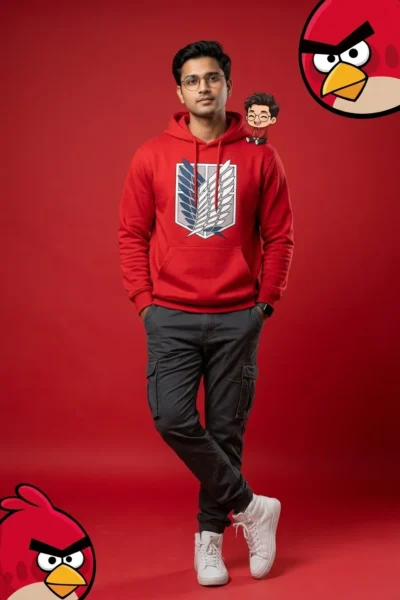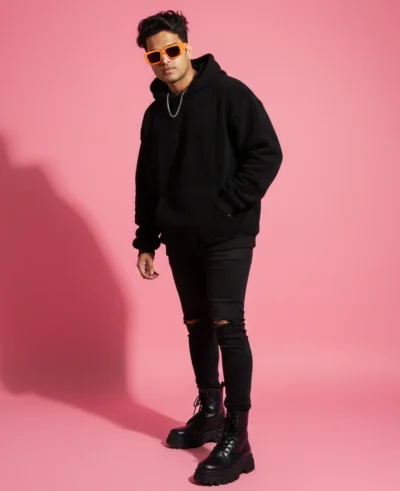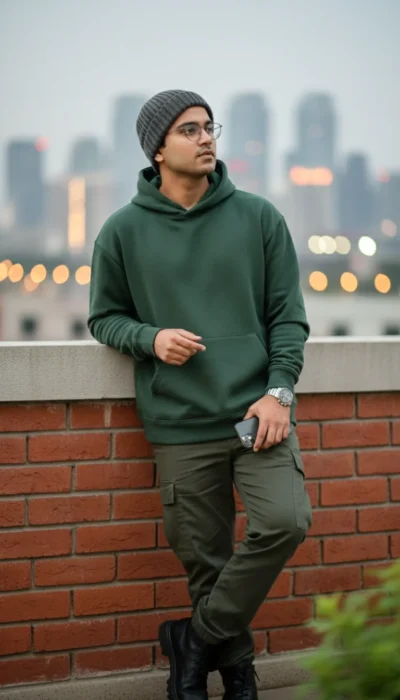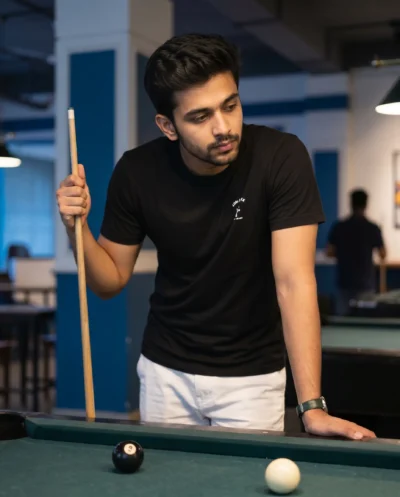
Description
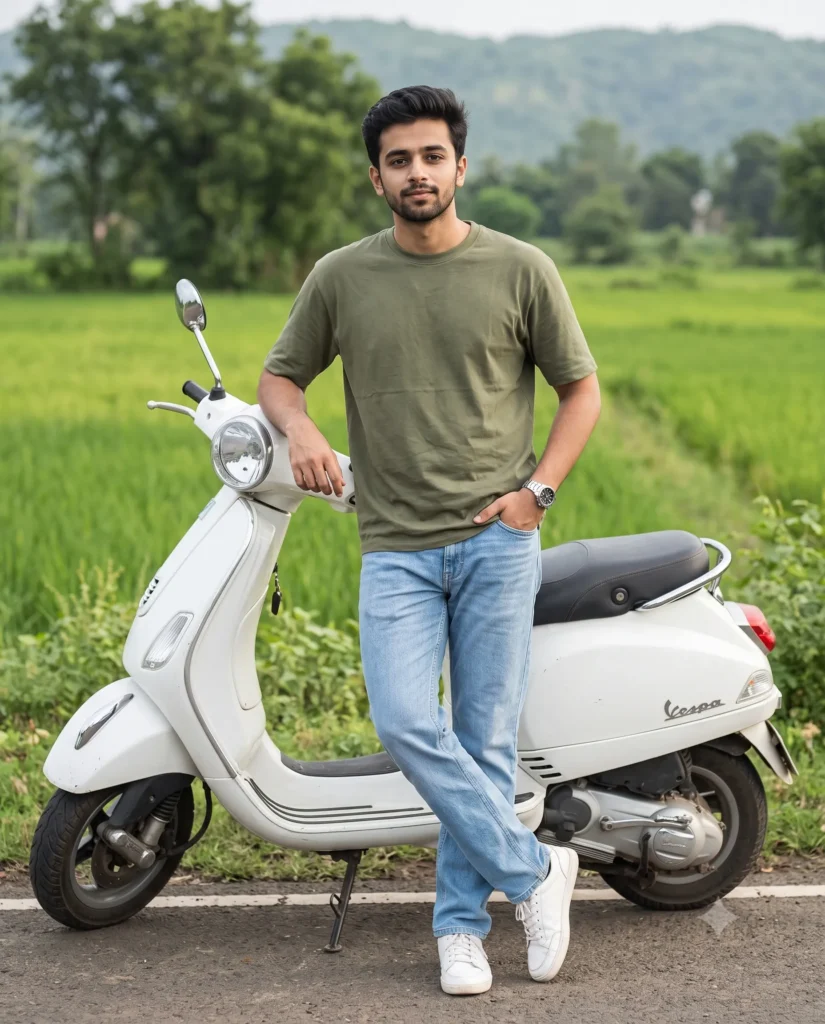
Generate a realistic editorial image using this Indian Man Vespa Scooter Prompt. You will get a natural full-body portrait of a stylish young man posing beside a sleek white scooter. The setup creates a clean modern look without complicated camera controls.
Soft daylight washes over the scene and keeps the colors warm and natural. The quiet countryside road surrounded by lush trees gives the photo a calm, outdoorsy mood. Smooth background blur puts all the focus on his relaxed pose and casual outfit.
This prompt is perfect for:
- Social media profile pictures for Instagram or Facebook
- Lifestyle blog headers and travel brand visuals
- Portfolio inspiration for modern male fashion shoots
This composition balances everyday streetwear fashion with a relaxed travel aesthetic. Copy the prompt below and upload your own reference photo to create custom realistic portraits today.
Gemini Prompt: Young Man Vespa Scooter Portrait
Photorealistic full-body portrait of a stylish young Indian man standing beside a white Vespa scooter on a quiet countryside road. Use the attached reference image to preserve his exact facial identity, facial structure, facial proportions, skin tone, and all distinctive facial features. He wears a relaxed-fit olive green heavyweight crewneck T-shirt, light blue relaxed-fit straight-leg denim jeans, clean white sneakers, and a simple stainless steel wristwatch. He leans casually with his left elbow resting on the scooter's handlebar while his right hand is tucked into his jeans pocket. His legs are crossed naturally, creating a relaxed, confident stance. Soft natural daylight illuminates the scene, with lush green trees and fields lining the roadside and a gently blurred background. Realistic natural lighting, balanced editorial composition, aspect ratio 4:5.
How to Use This Prompt:
- Upload Your Reference Image: First, upload the photo of the person. By doing so, you allow this prompt to strongly preserve the facial structure, proportions, and hairstyle from your reference image.
- Copy & Paste the Prompt: Once you have attached the image, paste the full prompt text into the Gemini message box. Then, hit enter to generate your scene.