Description
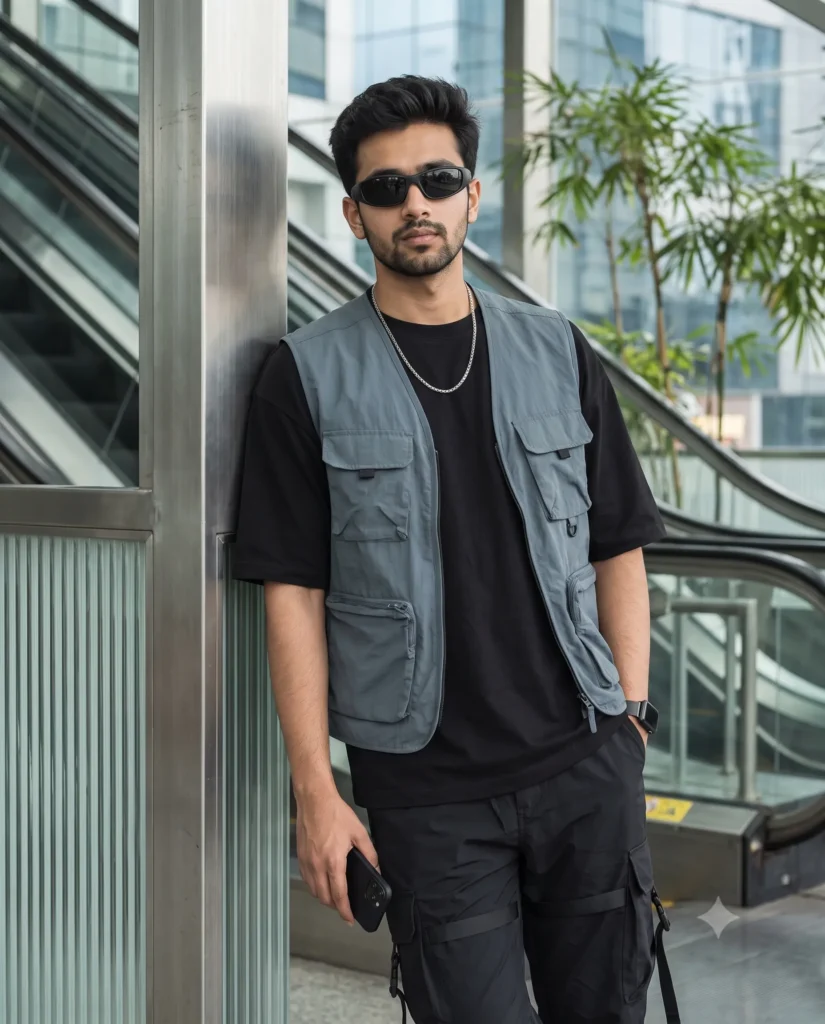
This men street fashion prompt delivers a highly realistic and stylish portrait instantly. It creates an image of a confident man leaning against a column in a sleek modern setting. The final result looks clean and completely natural.
The picture features smooth, soft lighting that highlights the woven textures of the clothing. The metro station background blurs beautifully into city lights and glass reflections. This gives the portrait a cool urban mood without looking overly staged or artificial.
Use this portrait prompt for:
- Instagram fashion influencer posts
- Clothing brand lookbook graphics
- Personal profile pictures for social media
This clean aesthetic makes any lifestyle subject look instantly fashionable and cool. Copy the prompt below and test it out with your own reference images.
AI Prompt: Modern Utility Streetwear Portrait
Using the subject in the attached photo as a strict identity anchor, maintain his exact facial geometry, structure, and proportions perfectly. Generate a stylish street-fashion medium shot of him leaning shoulder-first against a brushed-aluminum and fluted glass architectural column. He is styled in a slate-grey lightweight technical utility vest layered over an oversized jet-black heavyweight drop-shoulder t-shirt, paired with tapered black nylon cargo joggers with subtle webbing straps. He loosely holds a sleek matte-black smartphone at his side, sporting matte-black wraparound designer sunglasses, an ultra-thin black smartwatch with a steel mesh band, and a subtle silver box-chain necklace. The scene is set at an elevated metro station. The background features clean geometric escalator lines, indoor bamboo palms, and sleek urban glass reflections dissolved into a smooth, modern bokeh. Crisp, diffused interior-exterior ambient lighting, with sharp fabric and metal textures. Shot on an 85mm portrait lens at f/1.8. Aspect ratio 4:5.
How to Use This Prompt:
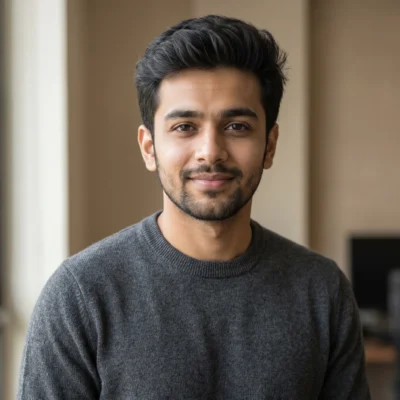
- Upload Your Reference Image: First, upload the photo of the person. By doing so, you allow this prompt to strongly preserve the facial structure, proportions, and hairstyle from your reference image.
- Copy & Paste the Prompt: Once you have attached the image, paste the full prompt text into the Gemini message box. Then, hit enter to generate your scene.